 Headmates
Friends and pairing
Friends are other systems using Headmates. You choose exactly which of your members each friend can see, and their members can write to one of yours directly.
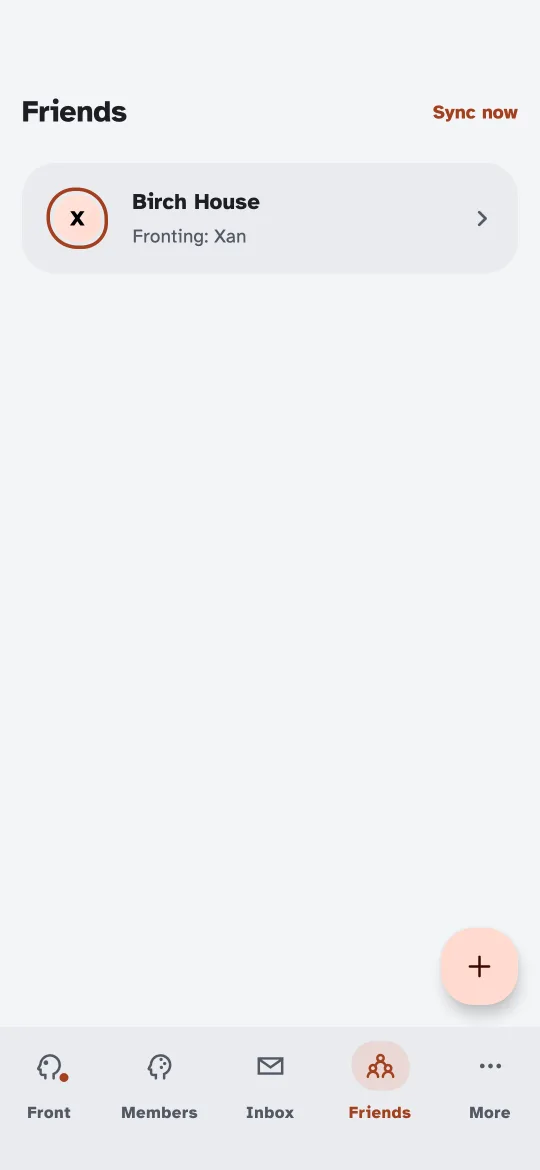
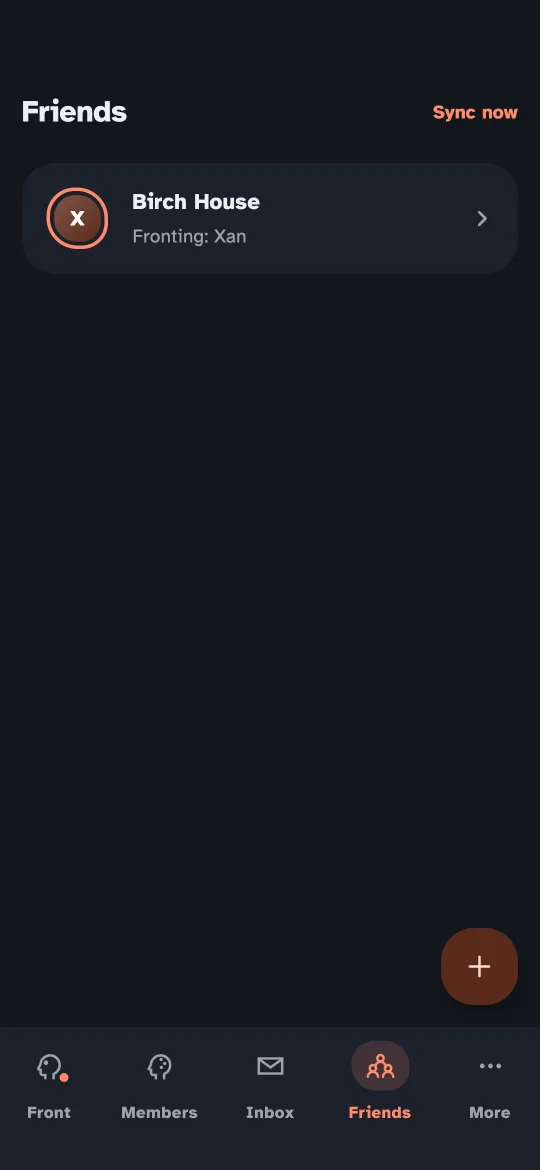
The Friends tab lists your friends. When a friend shares their front with you, the list shows who of theirs is fronting. Sync now checks for anything new straight away.
Adding a friend
On the Friends tab, tap +. One of you creates an invite; the other scans its QR code or pastes its link.
- Create an invite shows a QR code and a link to send (Share link or Copy link). Keep the screen open while your friend scans it. An invite works once and expires after a day.
- Scan a QR code, or paste a link into Or paste an invite link or code, then Accept invite. The camera is asked for only when you scan; if you'd rather not allow it, paste the code instead.
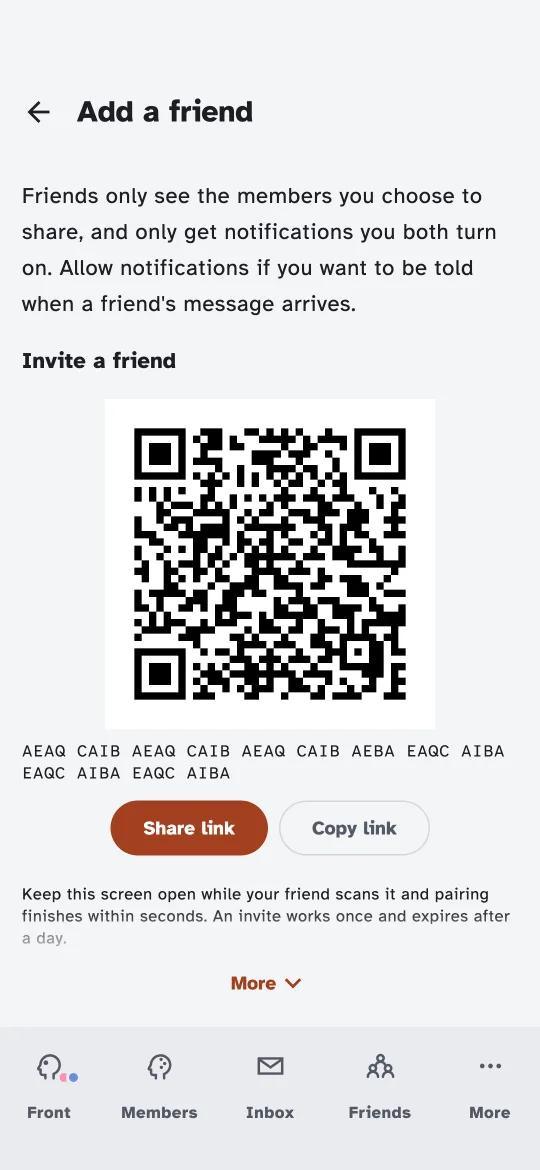
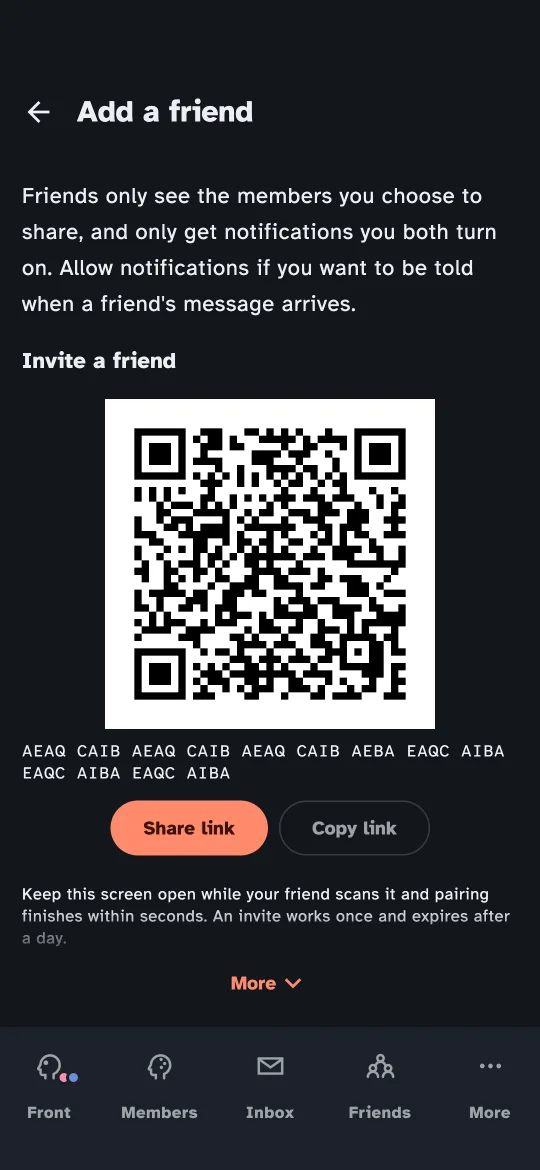
An invite link opened on the phone, from a message or a web page, opens Headmates on this screen with the link already filled in.
Invites still waiting are listed on the Friends tab under Waiting. Pairing needs the relay: if it can't be reached, the app says so.
The code to compare
When you pair, both phones show the same ten-digit code on the friend's page. Comparing it, in person or over a call, proves nobody intercepted the invite. Turn on We compared it and it matches once you have.
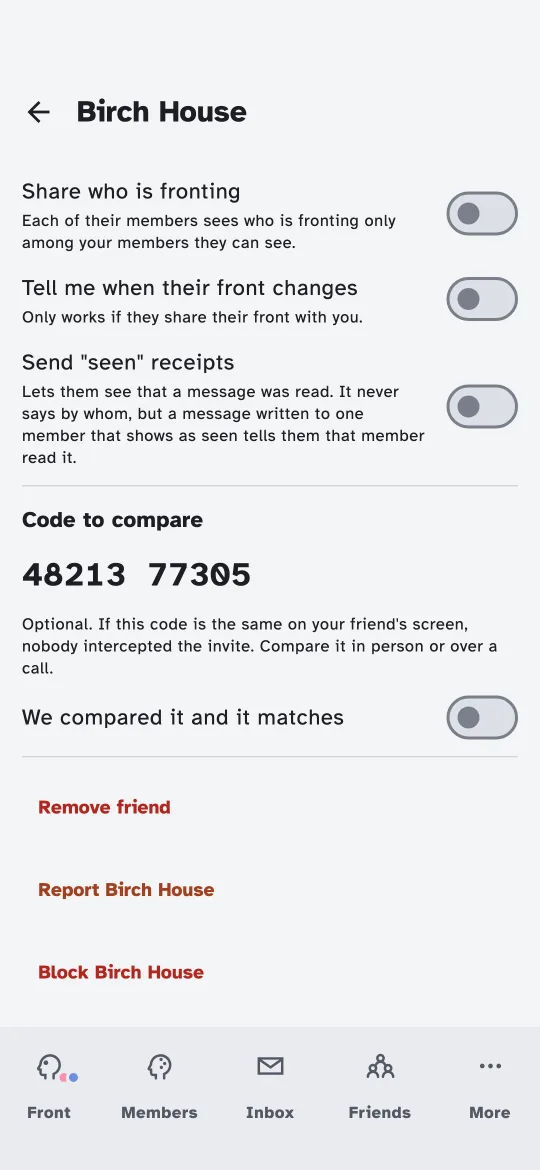
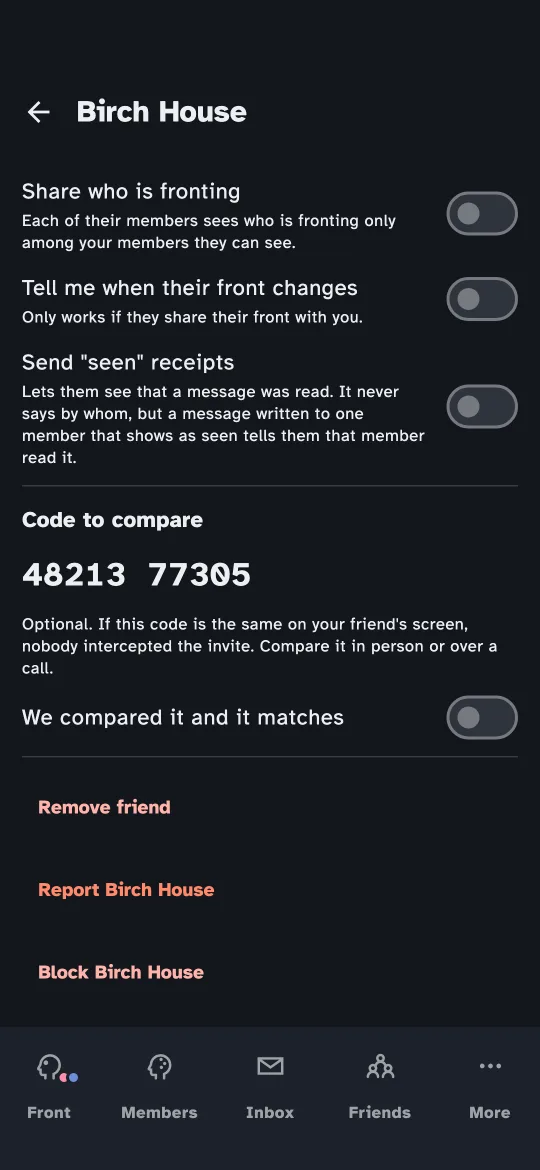
Until your friend's phone has answered, the page says it is waiting for the code. If the page says the pairing has no code to compare, the other phone answered with something it hadn't promised: remove the friend and pair again, ideally in person.
A friend's page
A friend's page lists their members who are shared with you, fronters first. Each of your members sees only the members of theirs shared with them, so the page is shown as one of your members at a time: Viewing as says who.
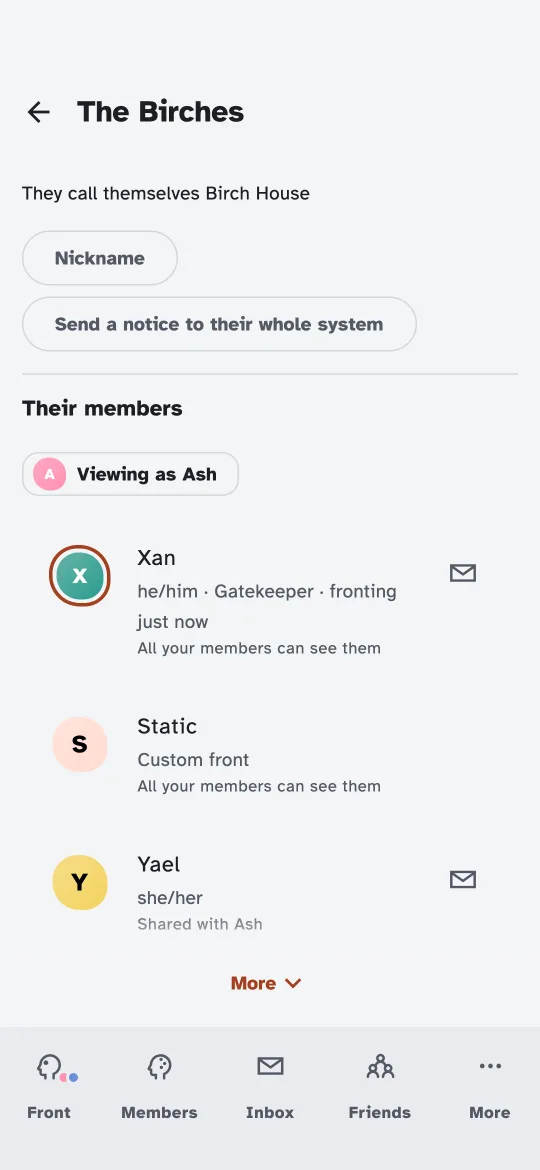
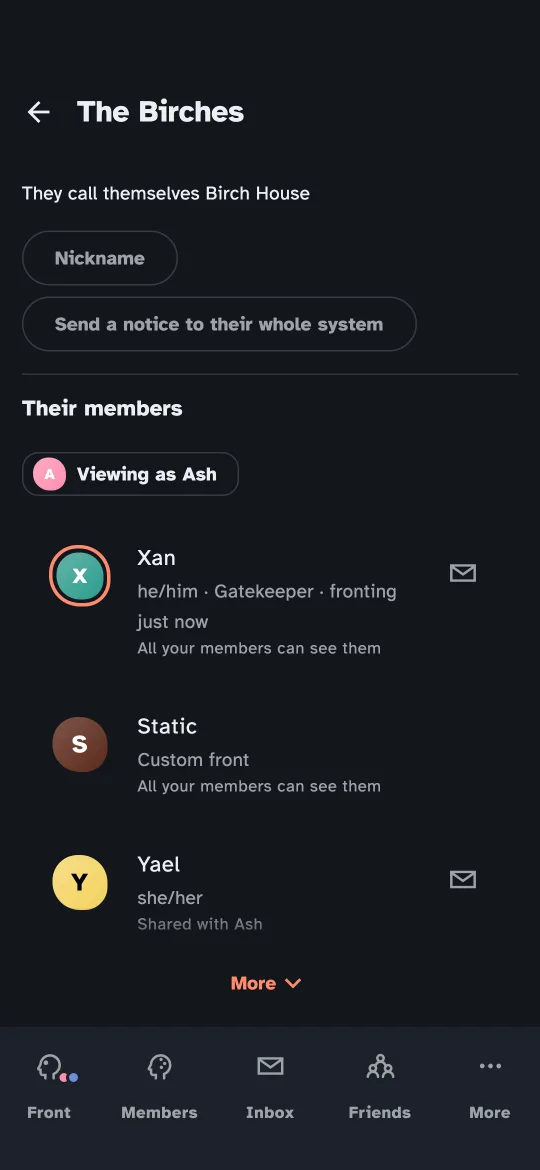
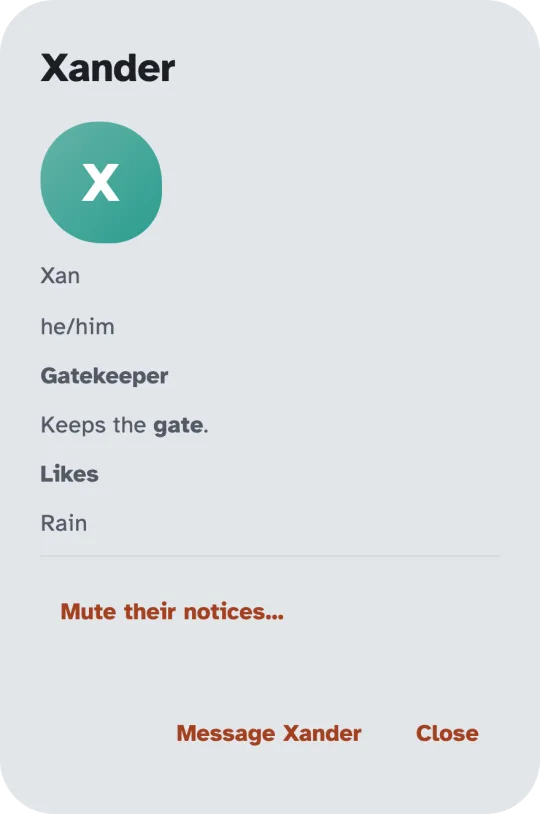
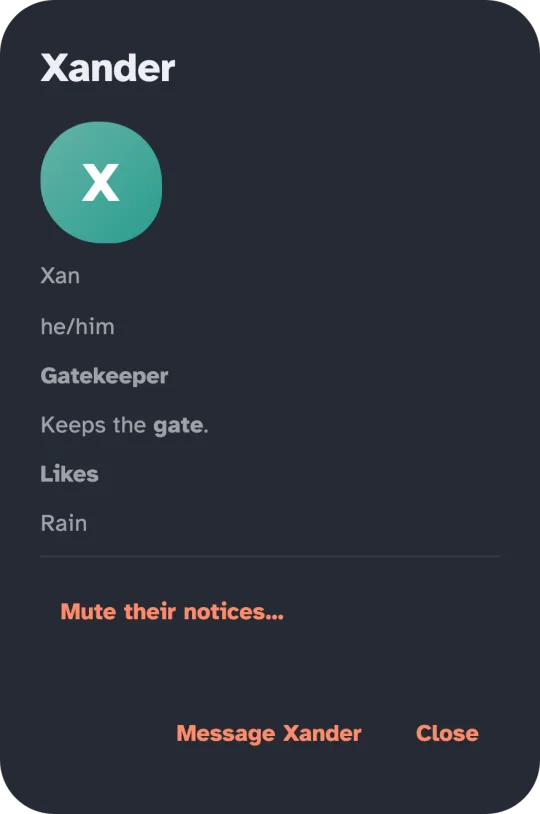
Tap one of their members to see their profile and the fields they share, or the ✉ button to write to them.
From the friend's page you can also:
- Nickname: rename the friend for you only.
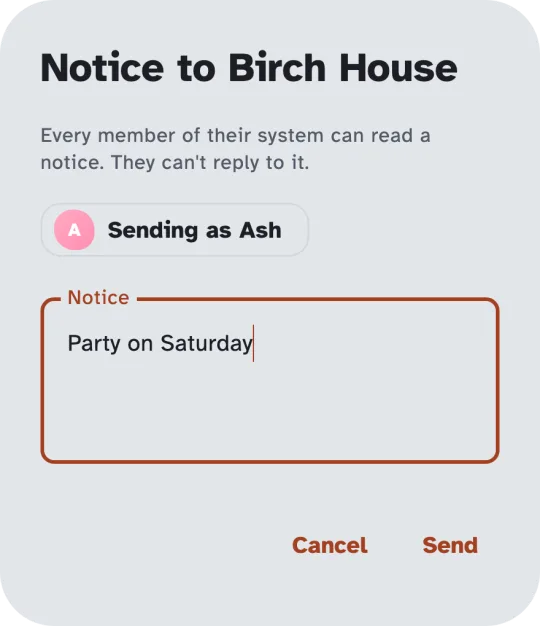
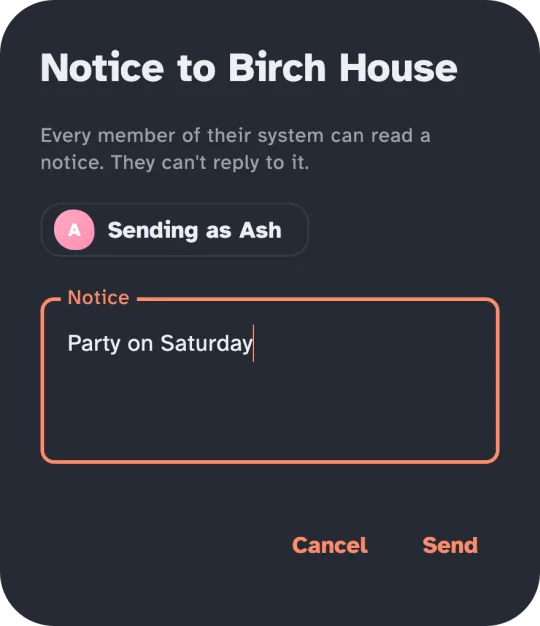
- Send a notice to their whole system: write to every member of theirs at once. A notice can't be replied to.
- Remove friend: stop everything between you and delete the messages you exchanged from this phone. They keep their own copy of what you already shared.
- Block: put it to your system. A poll starts, and the block takes effect once more than half of your members vote yes. The friend then disappears from your friends and from every group, and nothing passes between your systems either way. They aren't told. Blocked systems are listed in More → Blocked systems, where unblocking is also put to a vote.
- Report: opens an email to us about their system, for you to say what happened and send. Tap one of their messages and choose Report to include that message. Messages are end-to-end encrypted, so we can't see or check them: a report is only what you send us.
If a friend removes the connection, their page says so; what they shared and your message history stay, but nothing more can be sent.
Notices from friends
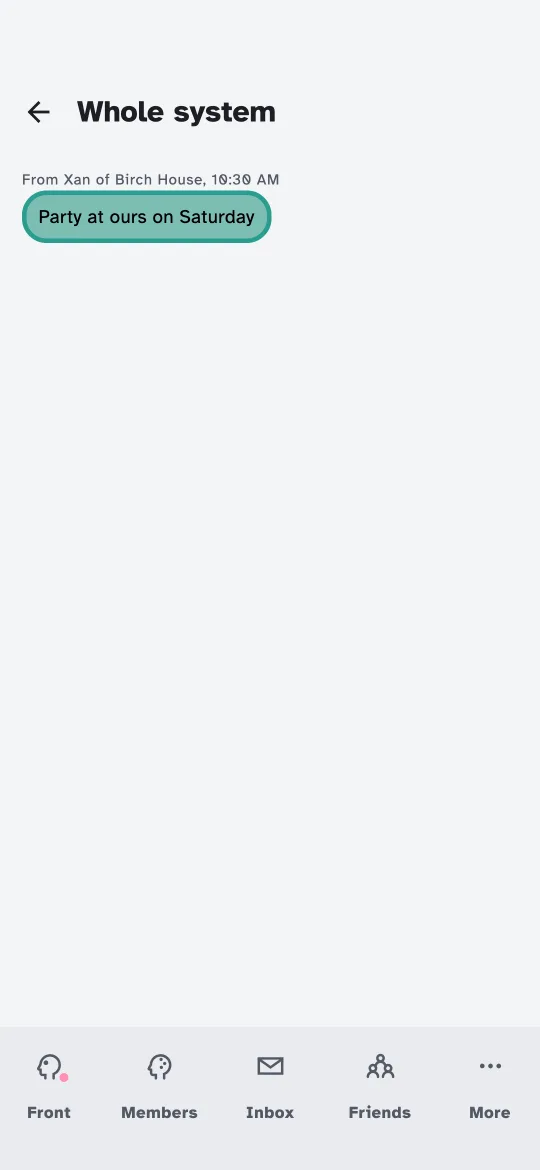
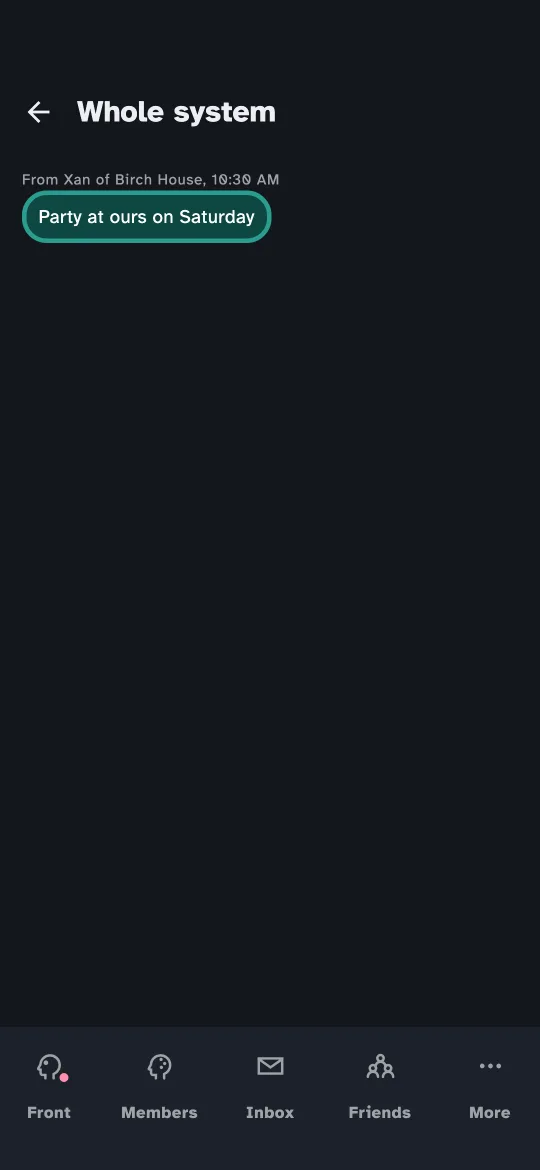
Notices friends send to your whole system land in Inbox → Whole system. Muting one of their members' notices is your system's decision, made by poll; muted notices still arrive, just without a notification.
What each friend can see of your system is in Sharing and privacy.