 Headmates
Sharing and privacy
Nothing about your system reaches a friend unless you share it. Every choice is per friend, and per member.
Who can see each of your members
On a member's page, Who can see them sets, for each friend, whether all of their members, none of them, or only some of them can see this member. New friends sets whether friends you pair with later can see them at first; until the member chooses, the Sharing with friends setting decides.
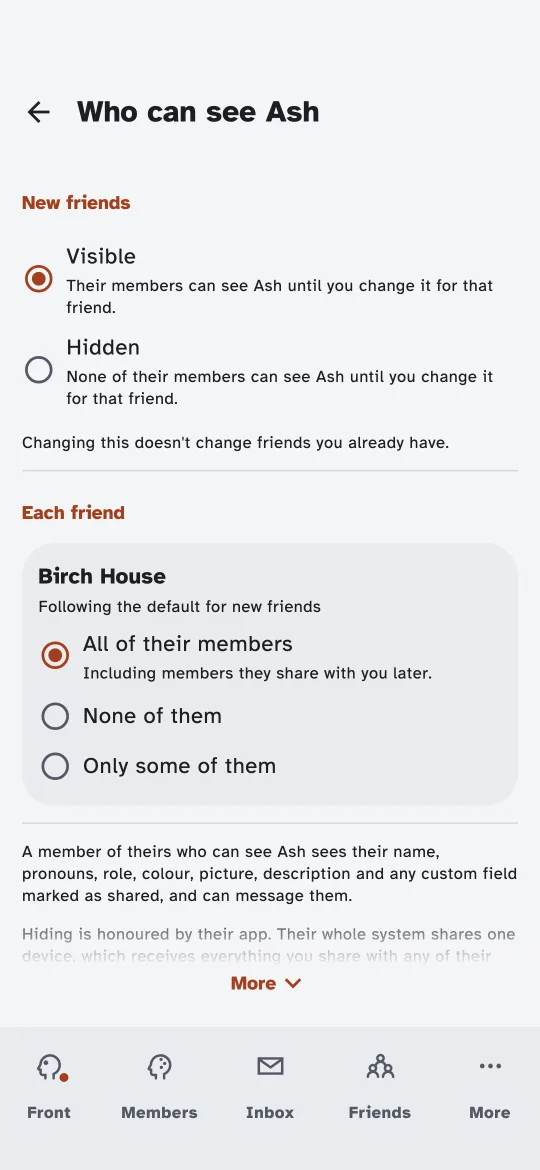
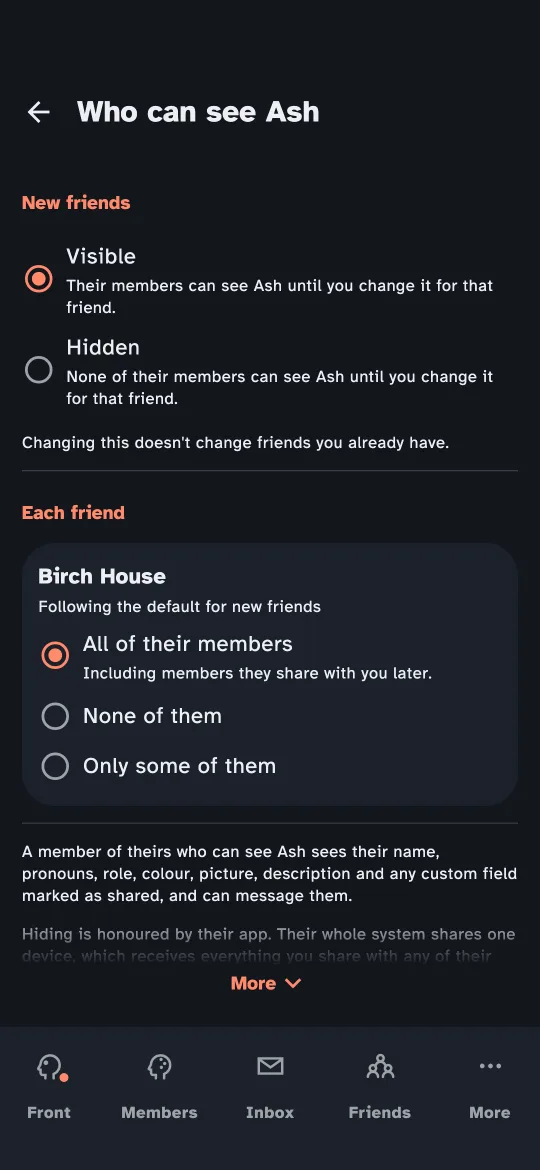
A member of theirs who can see yours sees their name, pronouns, role, colour, picture, description and any custom field marked as shared, and can message them. Archived members are not shared with anyone.
Writing to one of their members who can't see yours, or sending their system a notice, makes your member visible to them. The app asks first; for notices you can turn the warning off for a friend, and Warn again turns it back on.
What a friend gets
On a friend's page:
- Preview what they can see shows exactly what this friend gets: your system's name and each member shared with them, and nothing else.
- Share who is fronting: each of their members sees who is fronting, only among your members they can see.
- Tell me when their front changes (works only if they share their front with you).
- Send "seen" receipts: lets them see that a message was read. It never says by whom, but a message written to one member that shows as seen tells them that member read it.
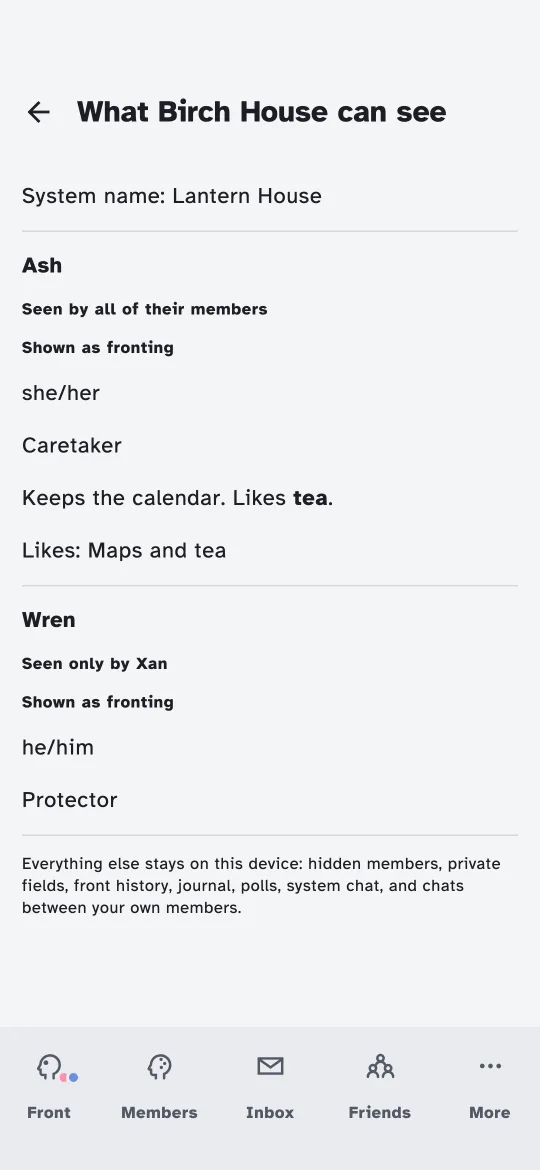
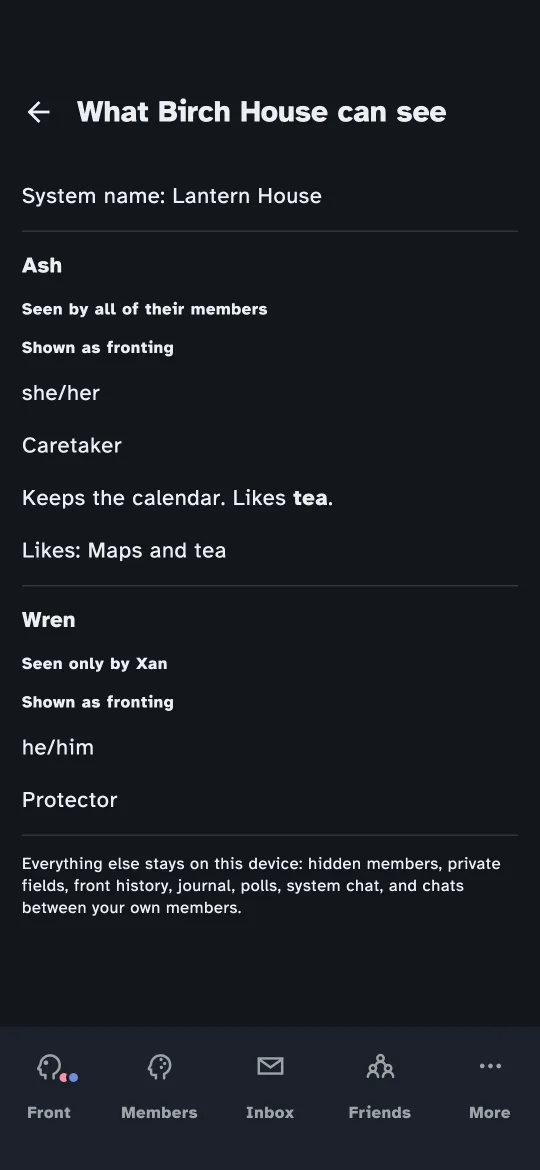
Everything else stays on your phone: hidden members, private fields, front history, the journal, polls, the system chat, and chats between your own members.
Sharing with friends
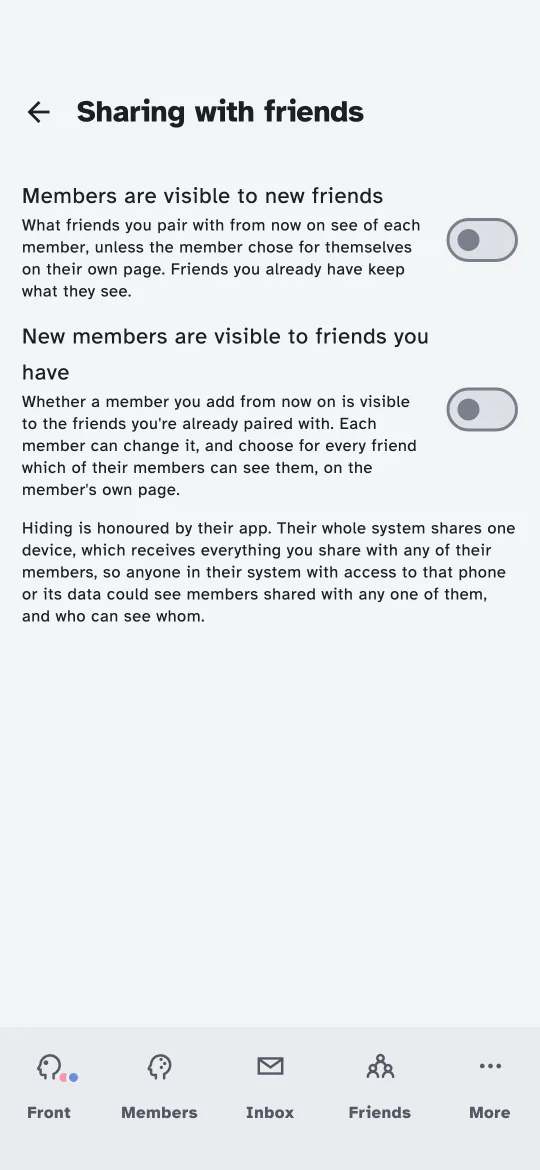
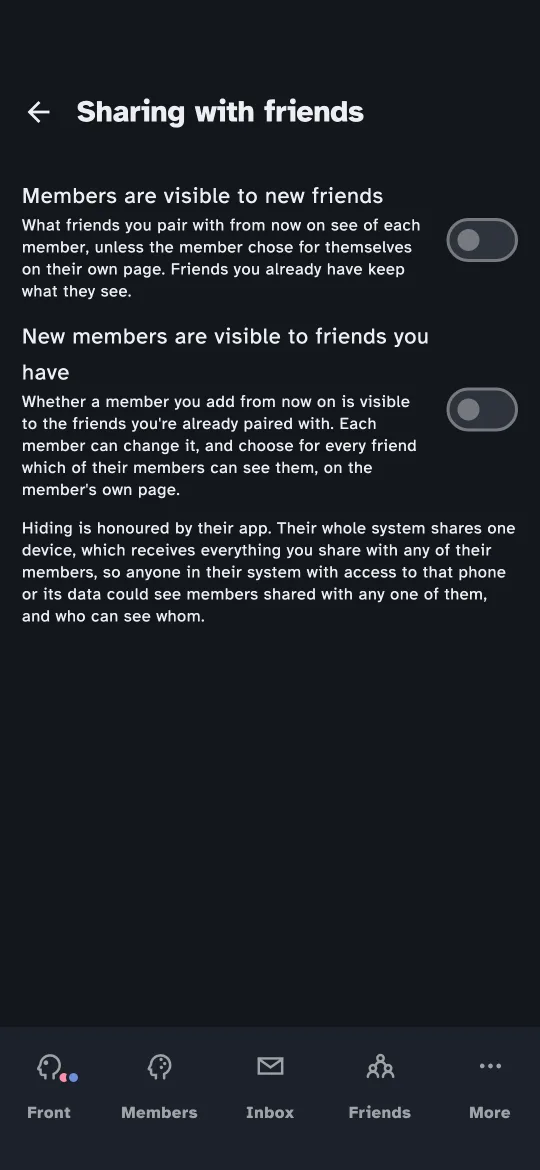
More → Sharing with friends has two switches:
- Members are visible to new friends: what a friend you pair with from now on sees of each member, unless that member chose for themselves on their own page. Friends you already have keep what they see.
- New members are visible to friends you have: whether a member you add from now on is visible to the friends you're already paired with.
What the relay sees
Messages travel through Headmates' relay, encrypted on your phone so the relay can't read them. It deletes them once your phone has collected them. The privacy policy says exactly what it keeps.