 Headmates
Group chats
A group chat brings together members of your system and members of friends' systems in one conversation. Each of your members in a group has their own copy of it, in their own inbox.
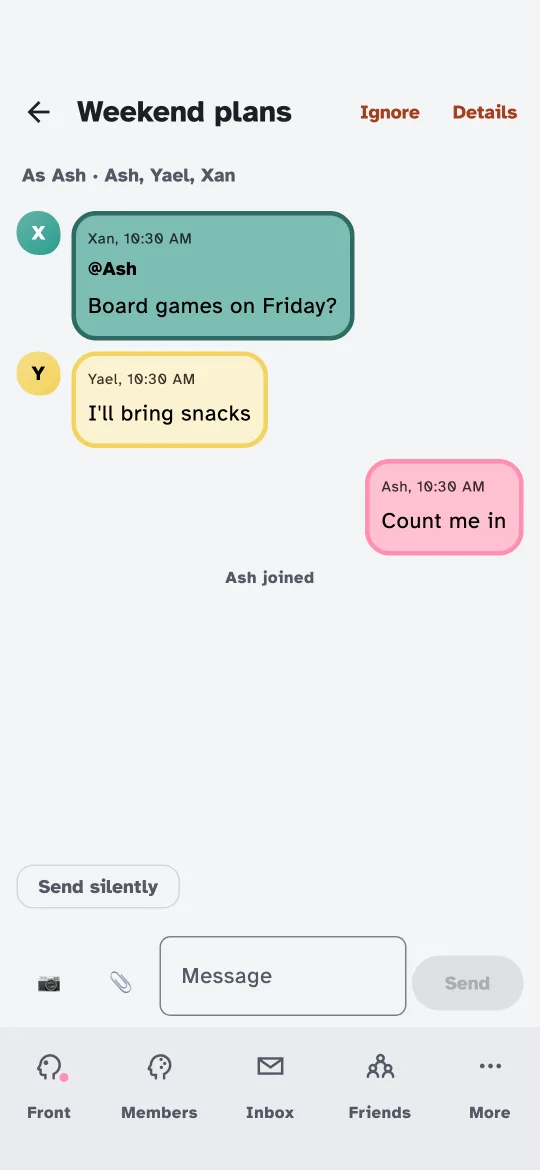
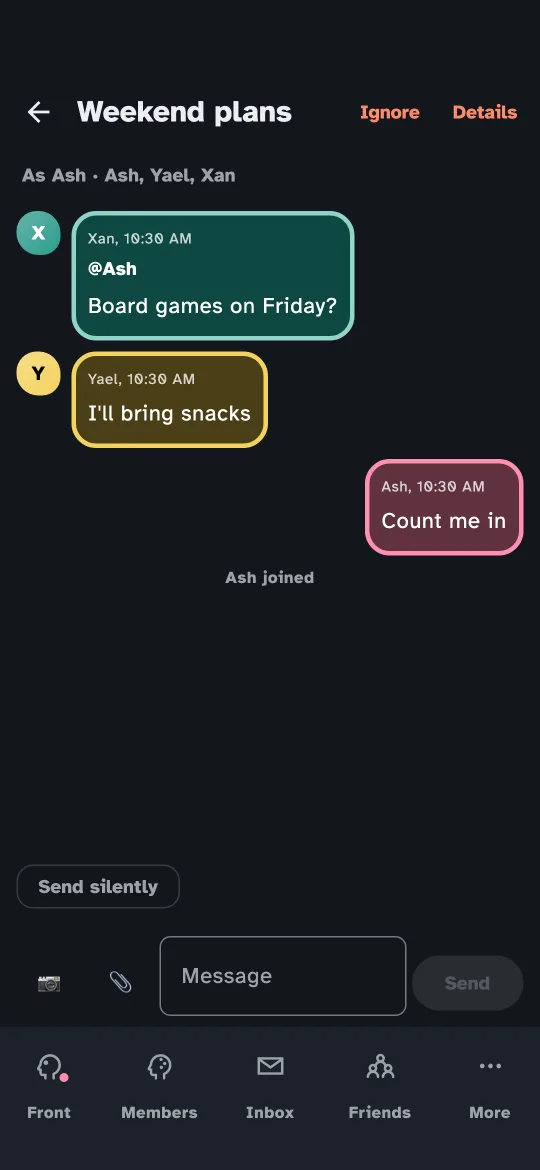
Starting a group
In a member's inbox, tap New group (it is also on the New message screen). Choose at least two others and, if you like, a name.
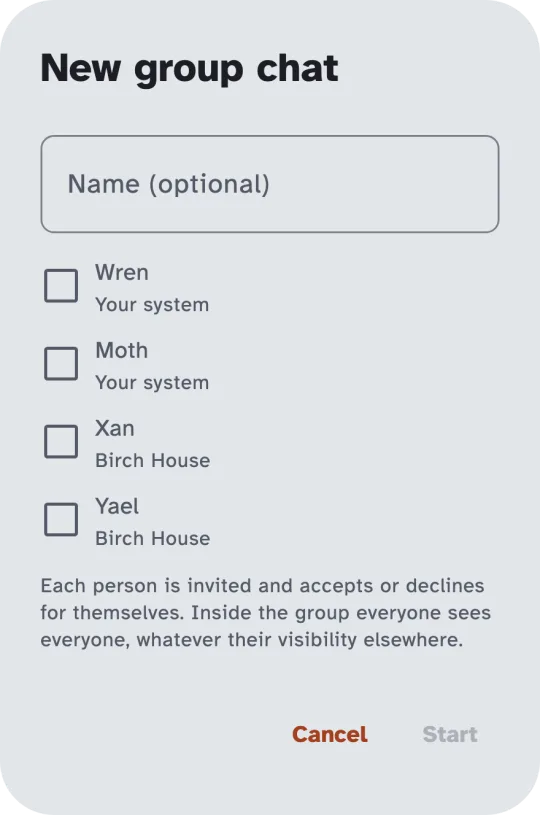
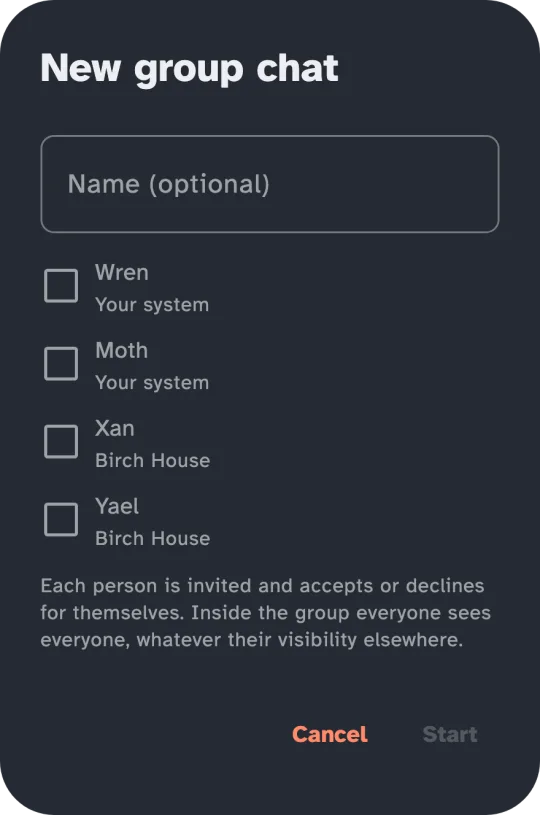
Everyone is invited and accepts or declines for themselves. Until someone has joined, each of your members sees them by name only if they could see them anyway: your own members, and friends' members shared with that member. Anyone else shows as "Someone from Birch House", and nobody from a system you blocked is shown at all. Inside the group, everyone sees everyone, whatever their visibility elsewhere.
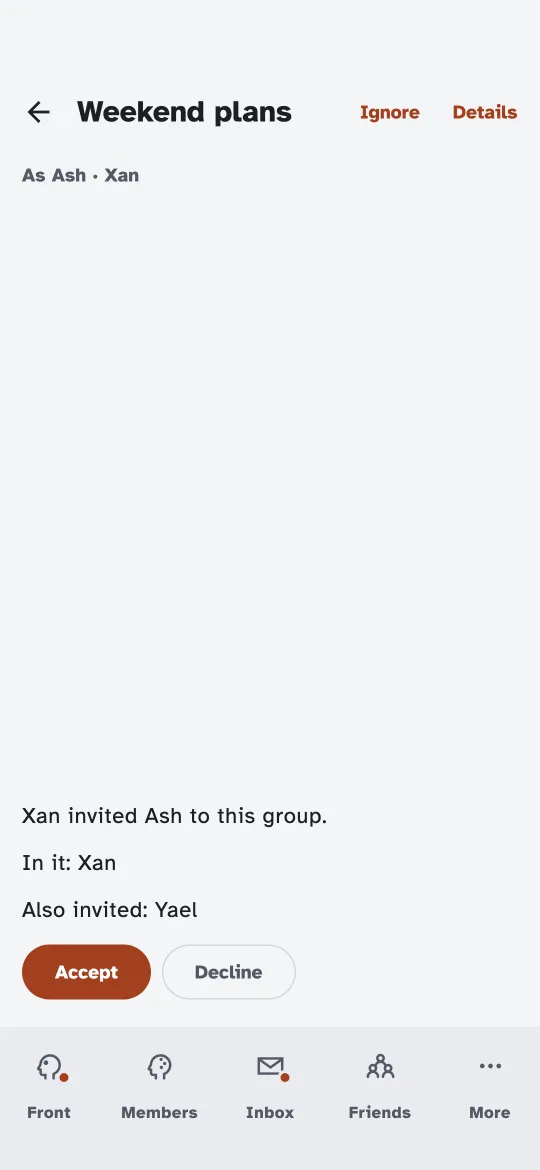

A member who accepts can write straight away, even while nobody else in the group is online, and the chat shows that they joined.
In the group
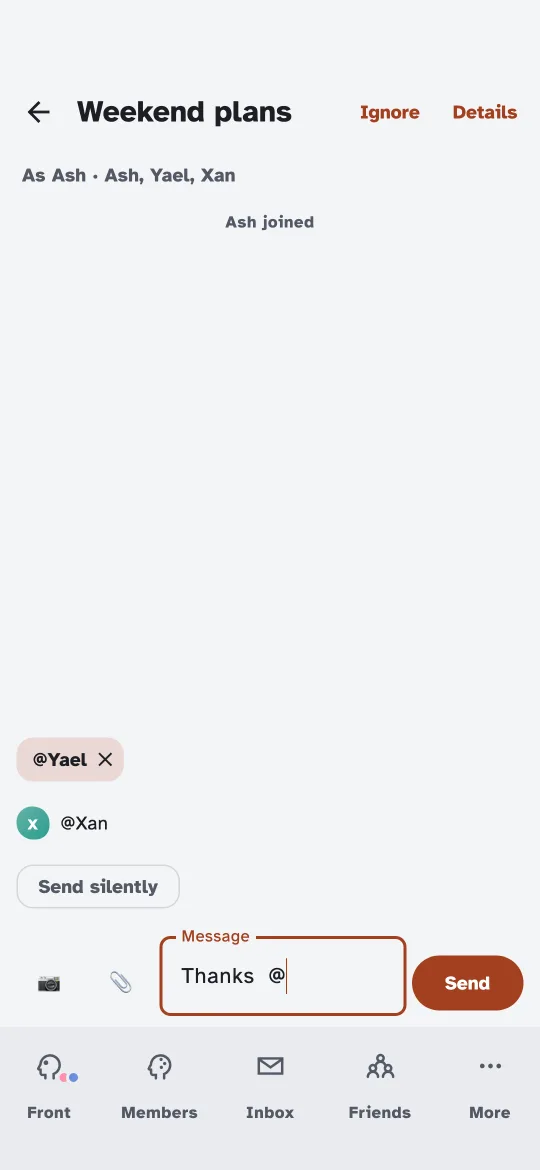
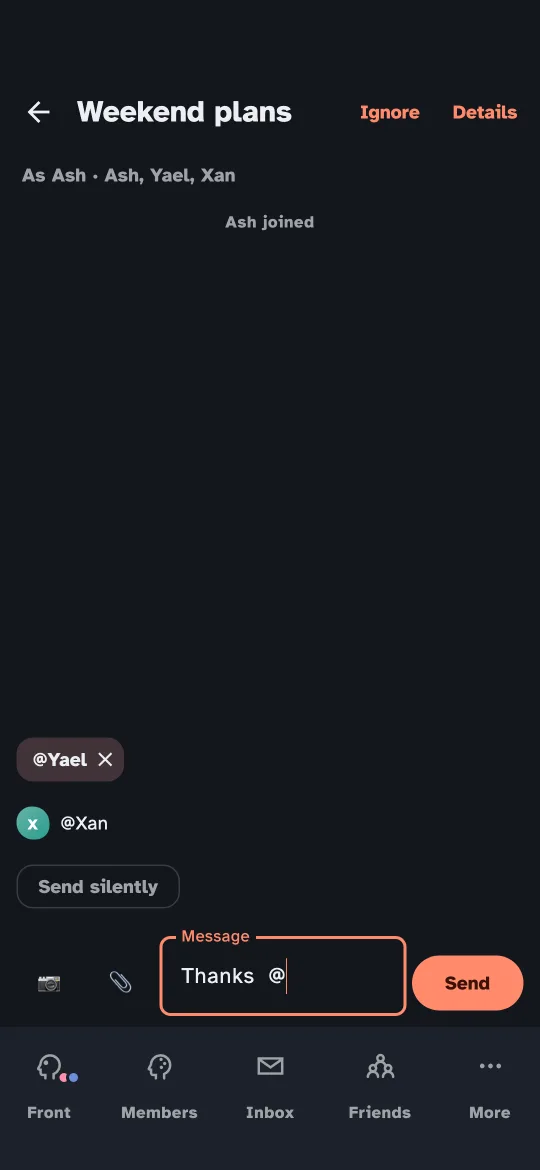
- Type @ to tag someone; pick them from the list. A message that tags you stands out with a ring.
- Replying to a message tags whoever wrote it; you can take the tag off before sending.
- Reactions, replies, attachments and Send silently work as in any chat.
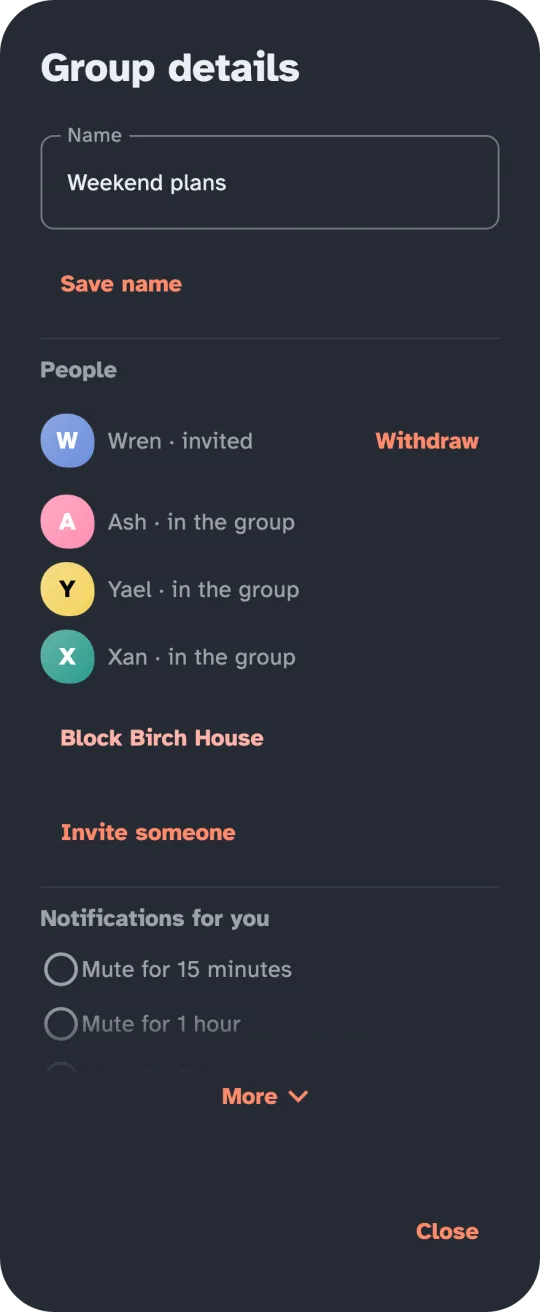
Group details
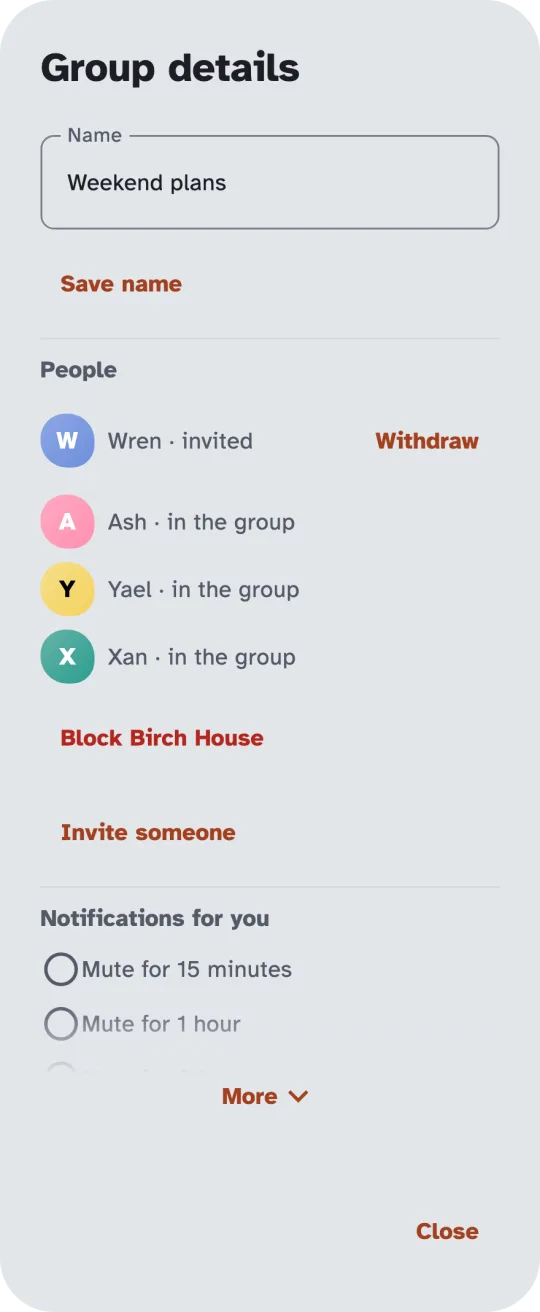
Details shows everyone in the group and where they stand: invited, in the group, declined, left, or with their invitation withdrawn. From here you can:
- rename the group,
- Invite someone, or Withdraw an invitation that hasn't been answered,
- mute it for a while, or Mute except when tagged,
- Block another system in the group (put to your system's vote, as with friends), or tap one of its messages and choose Report to email us about it,
- Leave the group. The others carry on without you; you can only come back if someone invites you again.
Ignore in the group's top bar moves it to the member's Ignored folder, with no notifications, until Stop ignoring.