 Headmates
Front and history
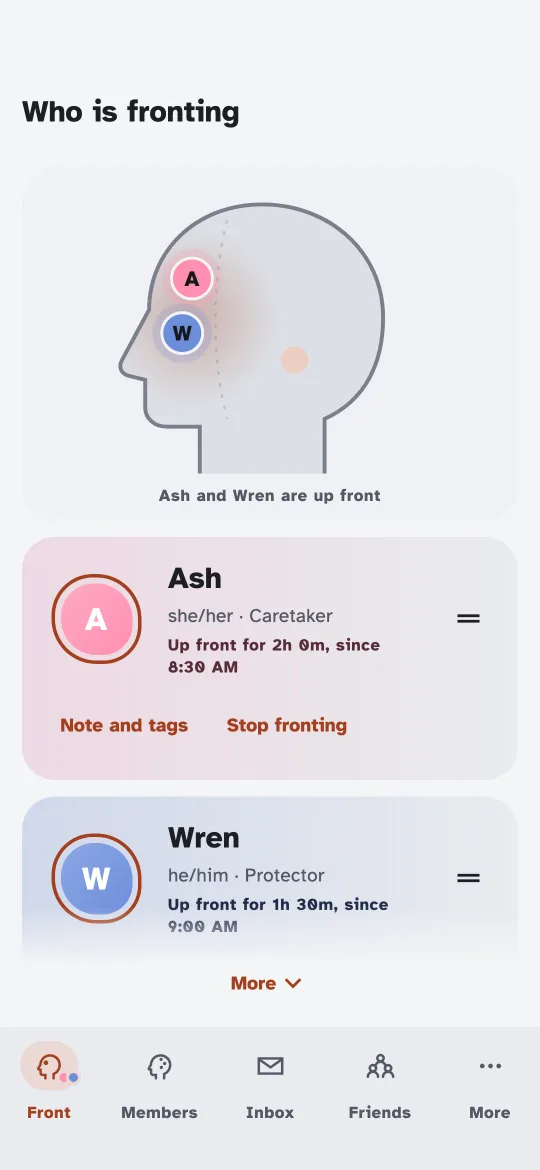
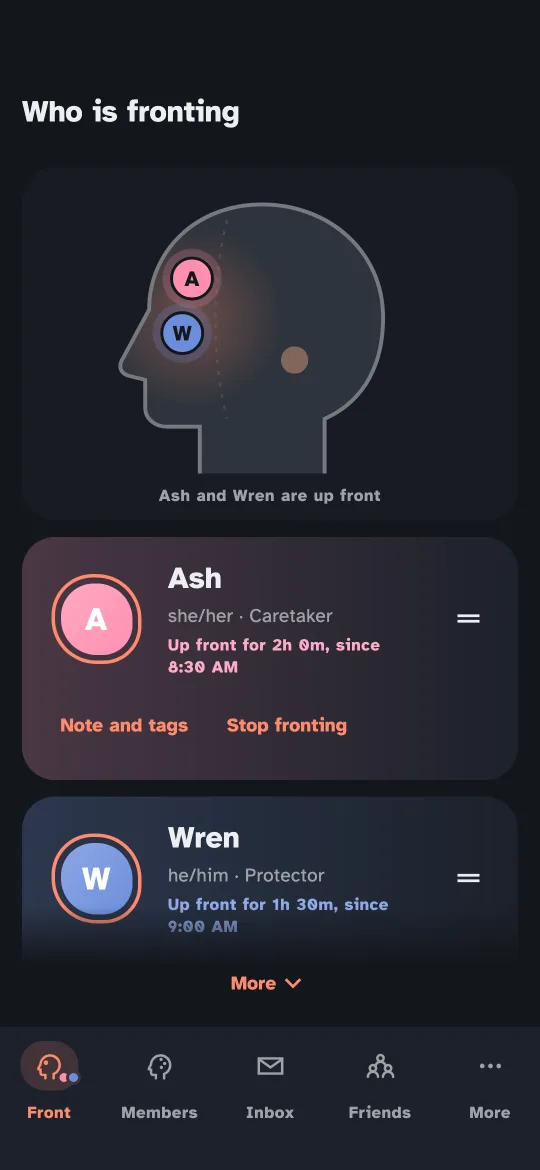
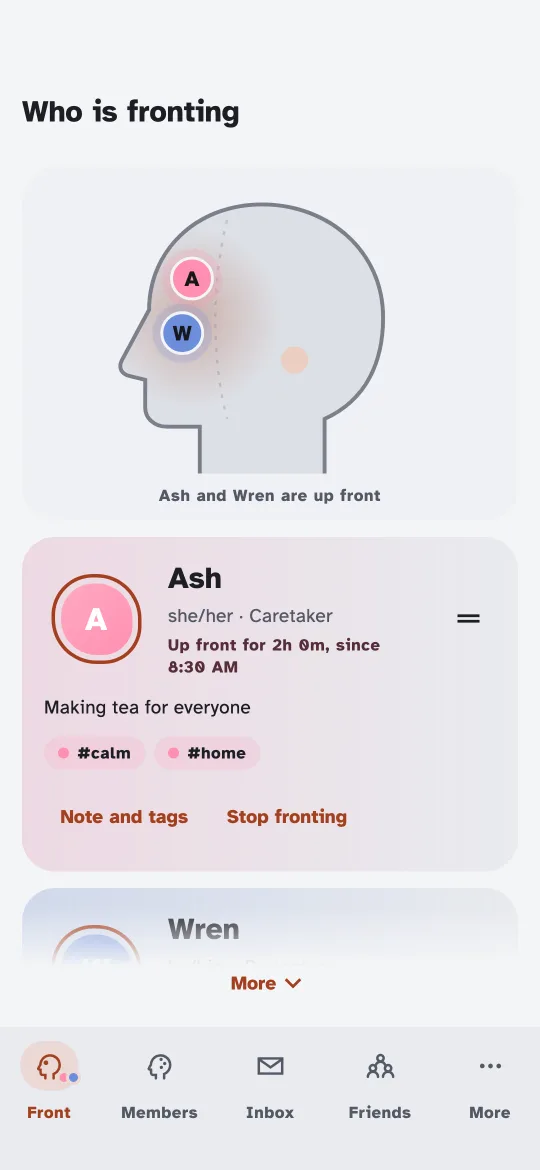
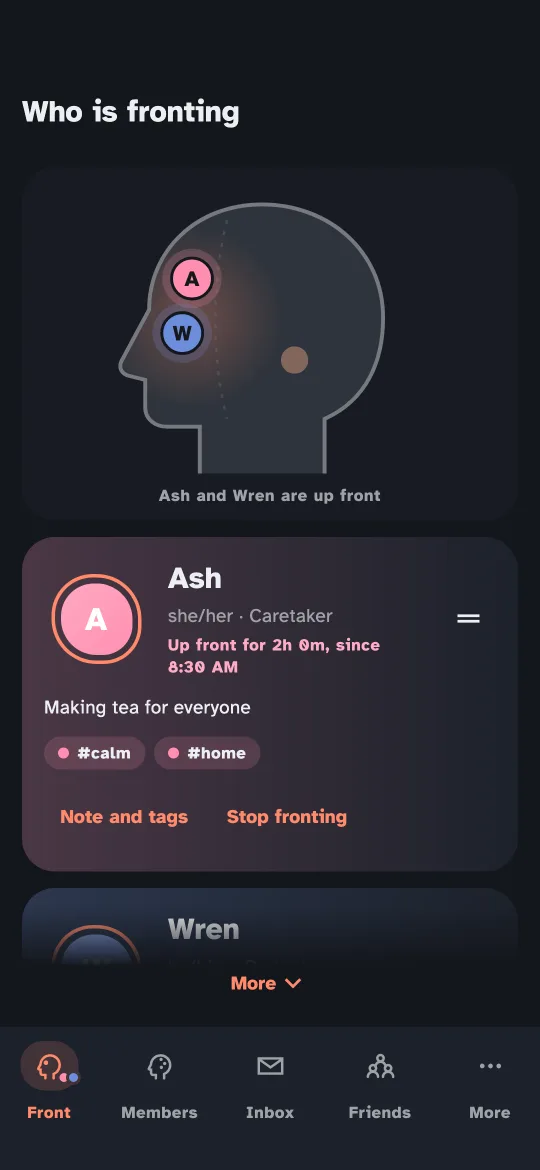
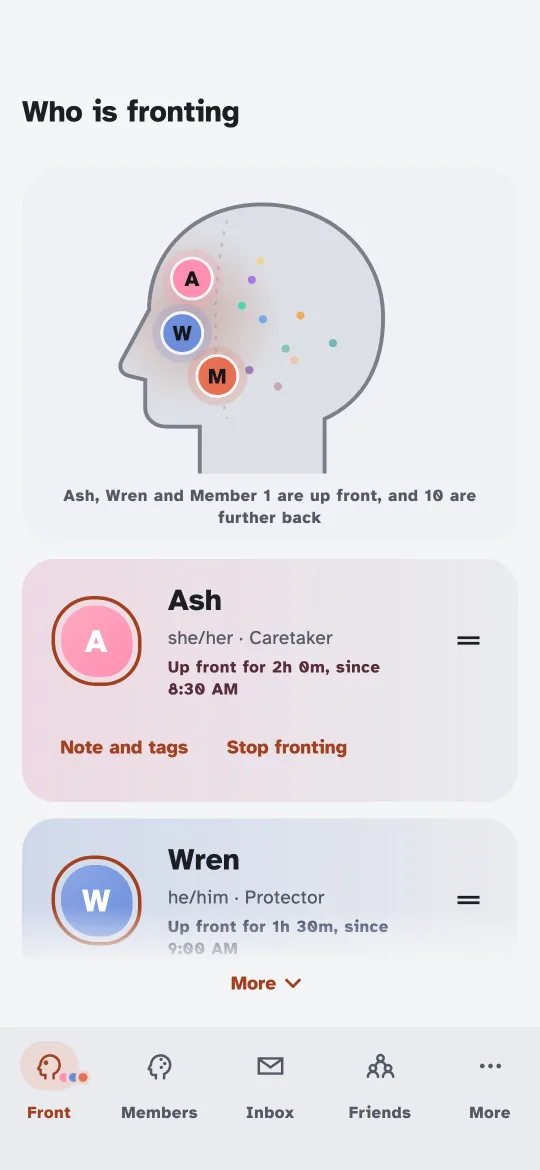
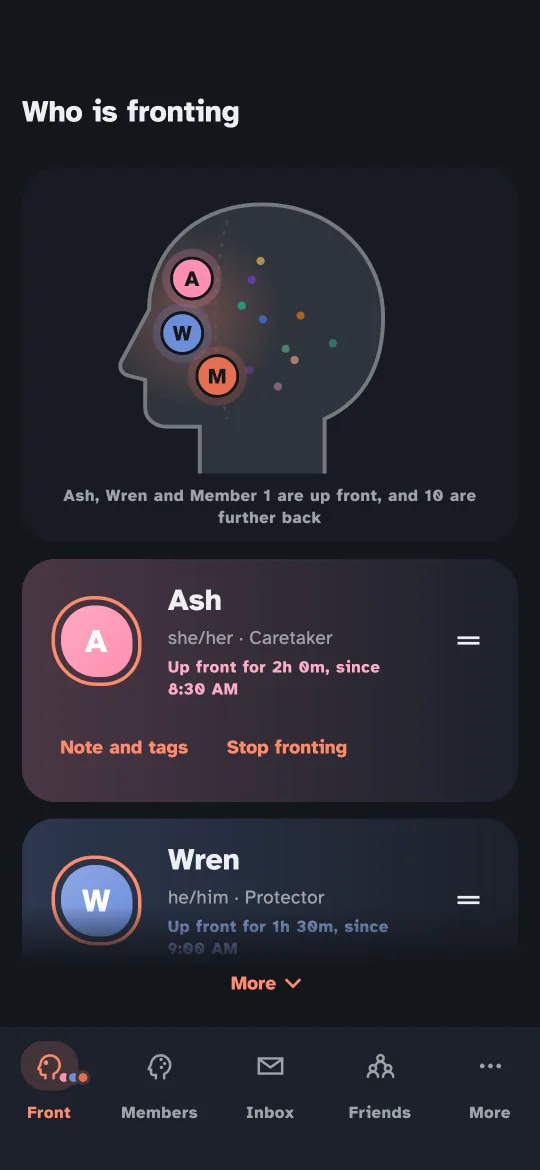
The Front tab answers "who is here right now?". Each look draws it in its own way, above a card for every fronter.
Saying who is fronting
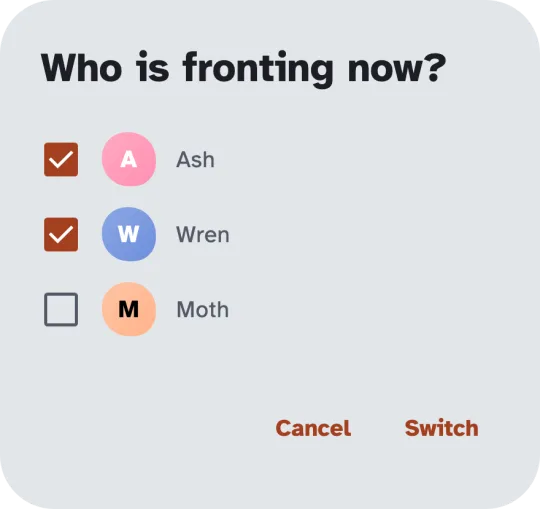
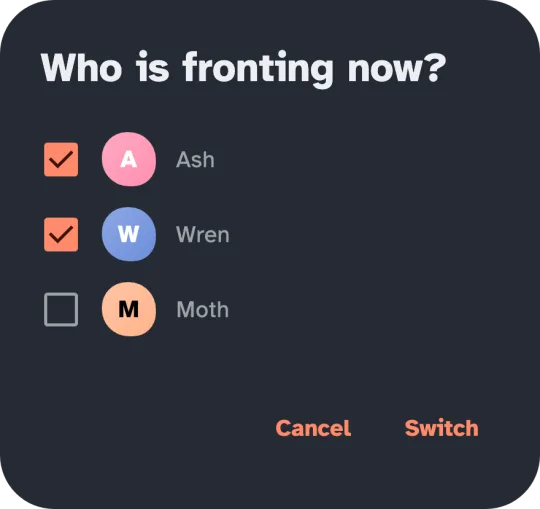
- Switch replaces whoever is fronting with the members you pick.
- Add co-fronter adds someone alongside whoever is already here.
- Stop fronting on a card ends just that member's time up front.
When two or more are fronting, drag a card by its handle to put them in the order you like. Friends you share your front with see the same order. With a screen reader, each card offers Move up and Move down instead.
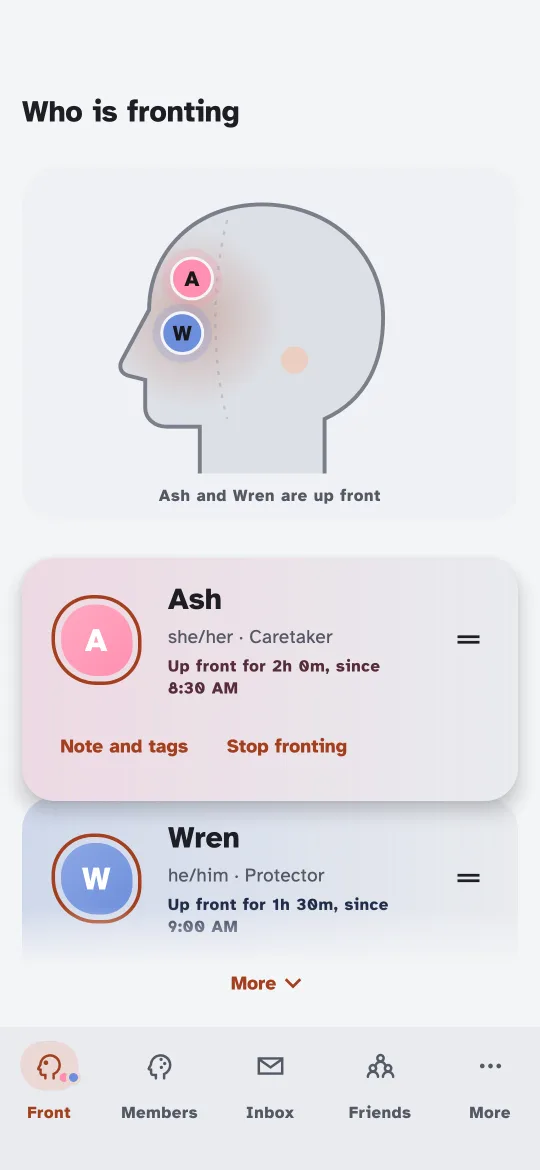
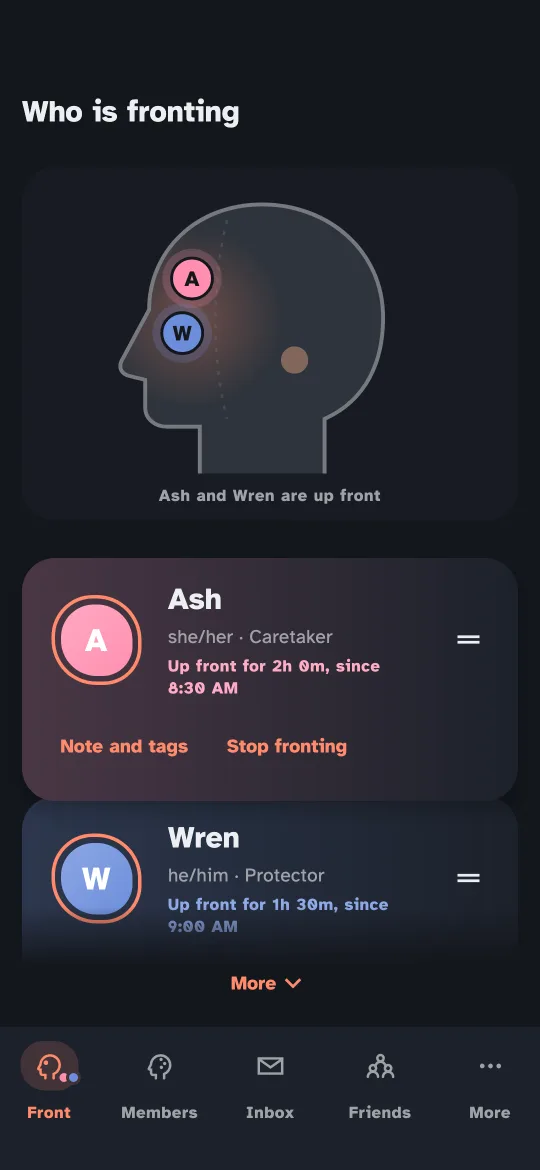
Each card says how long that member has been up front. Note and tags adds a note ("making tea for everyone") and tags to their time, which show on the card and in the history.
With nobody marked as fronting, the page says so, and friends you share your front with see that too. A large system is drawn more compactly, so everyone still fits.
Front history
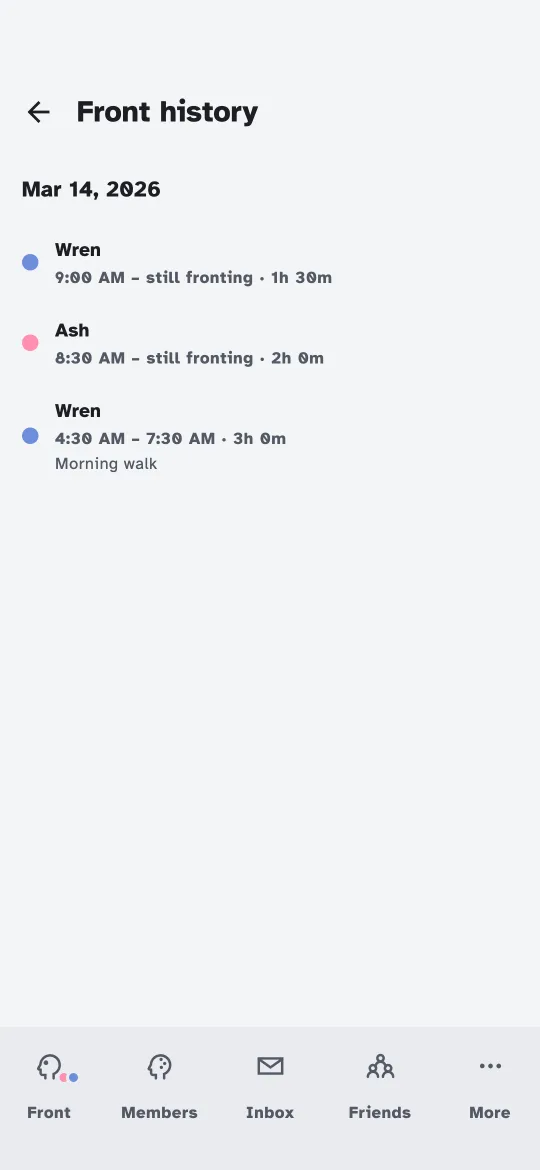
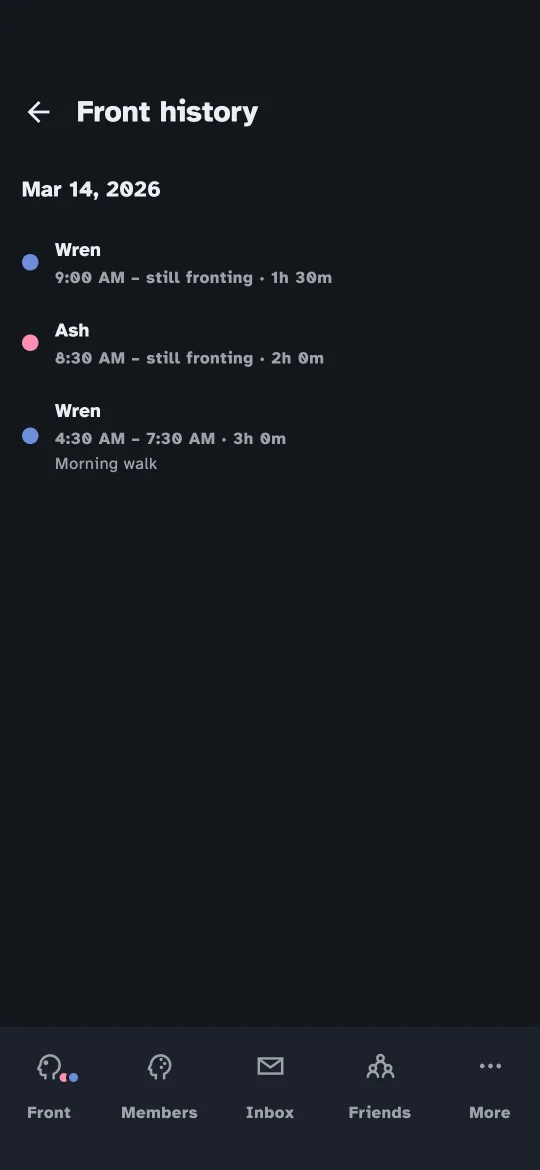
History (on the Front tab, or More → Front history) lists every recorded session, newest first, under the day it happened. Each row says who it was, when it started and ended, how long it was, and any note and tags.
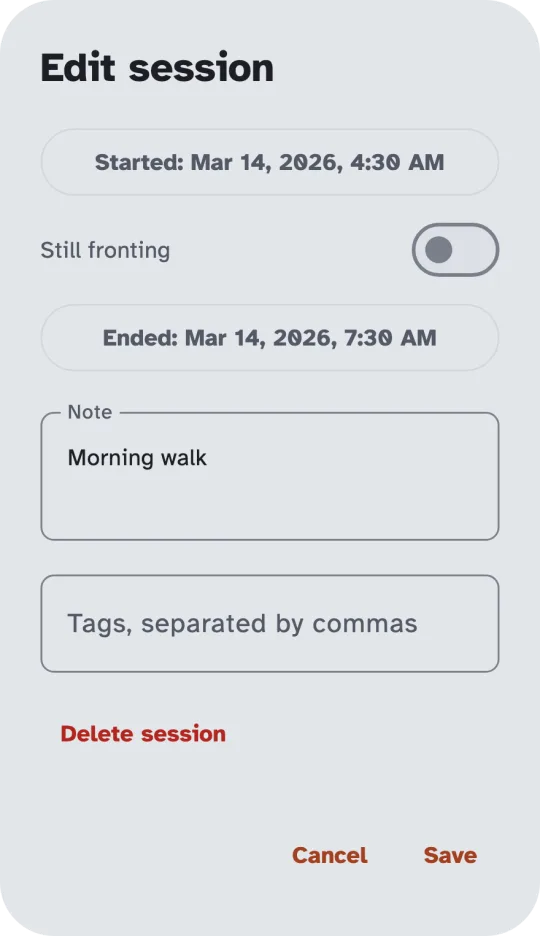
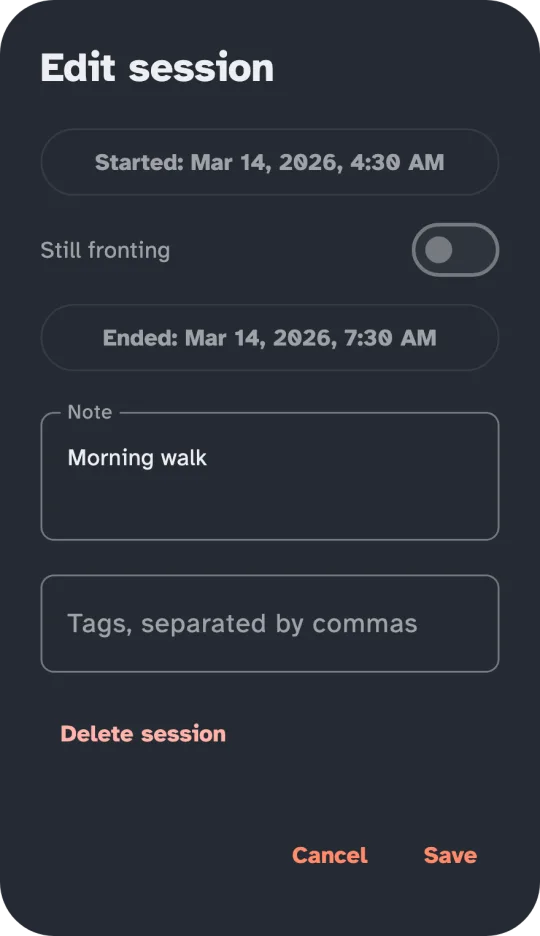
Tap a session to edit it: when it started, when it ended (or that it is still going), its note and tags, or Delete session.
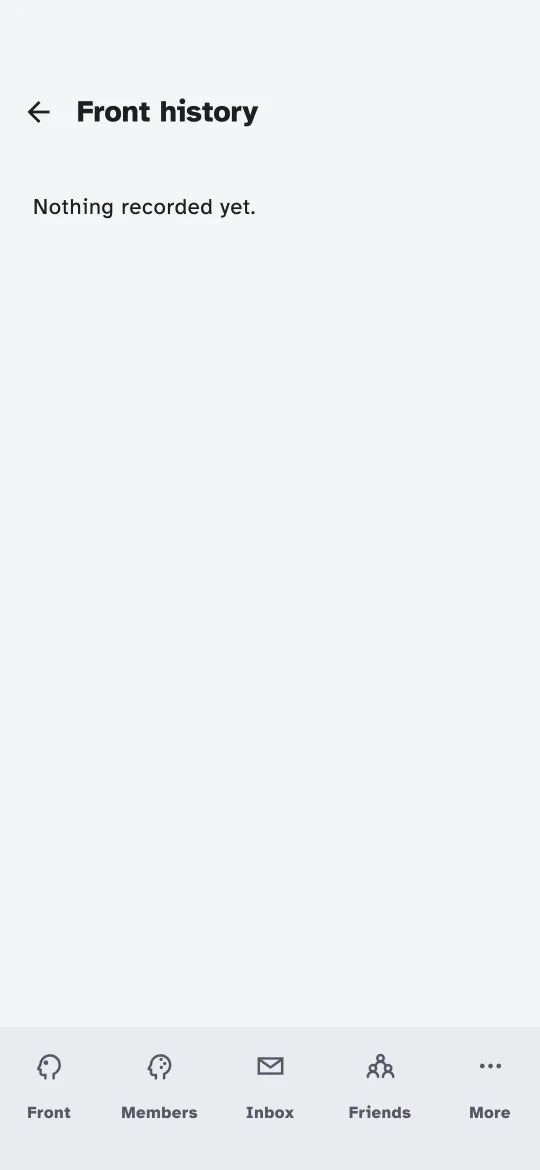
With nothing recorded yet, the list says so.

Analytics
More → Analytics shows your system's own fronting patterns. The numbers are worked out on the phone from your front history each time you open it. They aren't stored or sent anywhere.
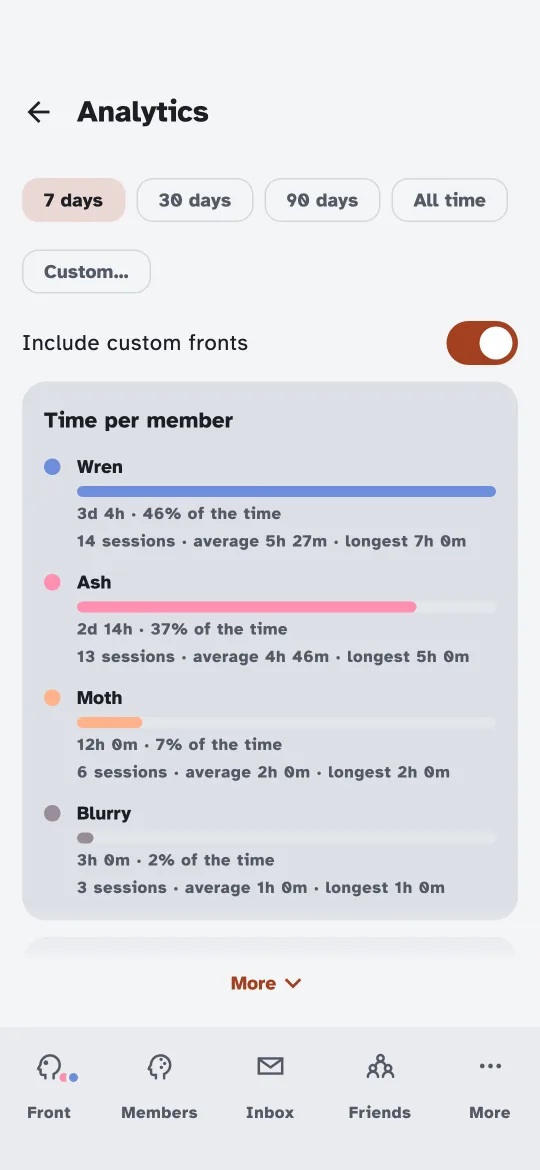
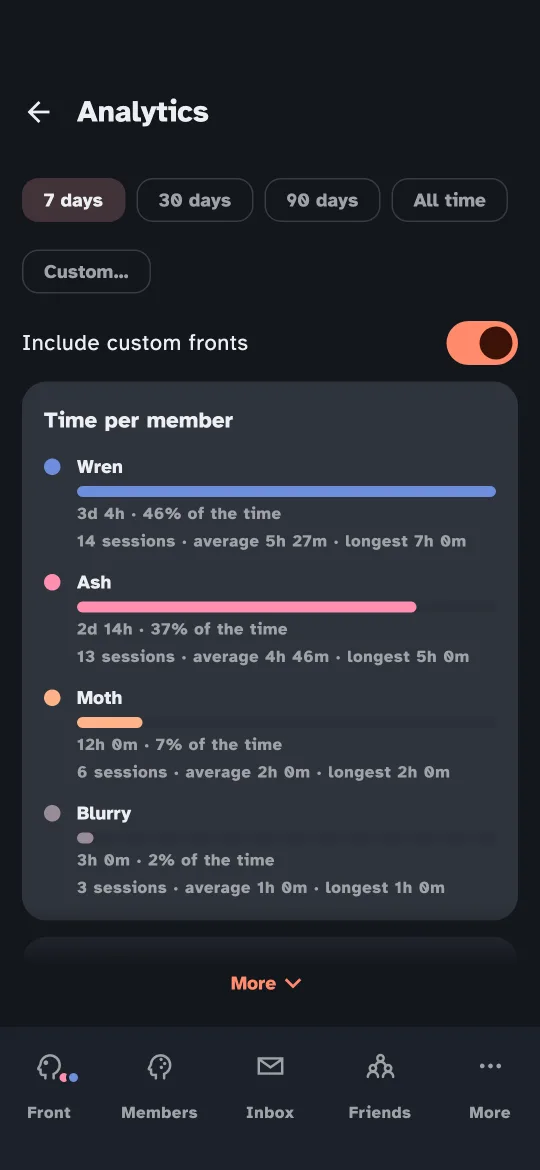
Pick a period at the top: 7 days, 30 days, 90 days, All time, or Custom… for days you choose. A period that reaches today stops at the present moment.
- Time per member: how long each member fronted, their share of the period, how many sessions they had, and their average and longest session. Co-fronting time counts for each fronter, so the shares can add up to more than 100%.
- Co-fronting: how long each pair fronted together, and how long nobody was marked as fronting.
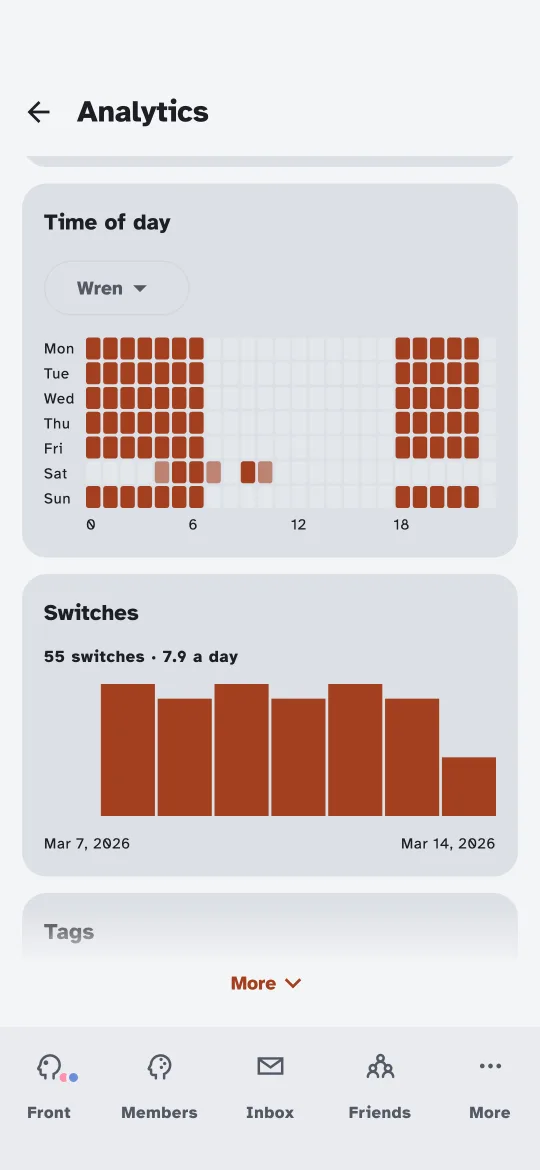
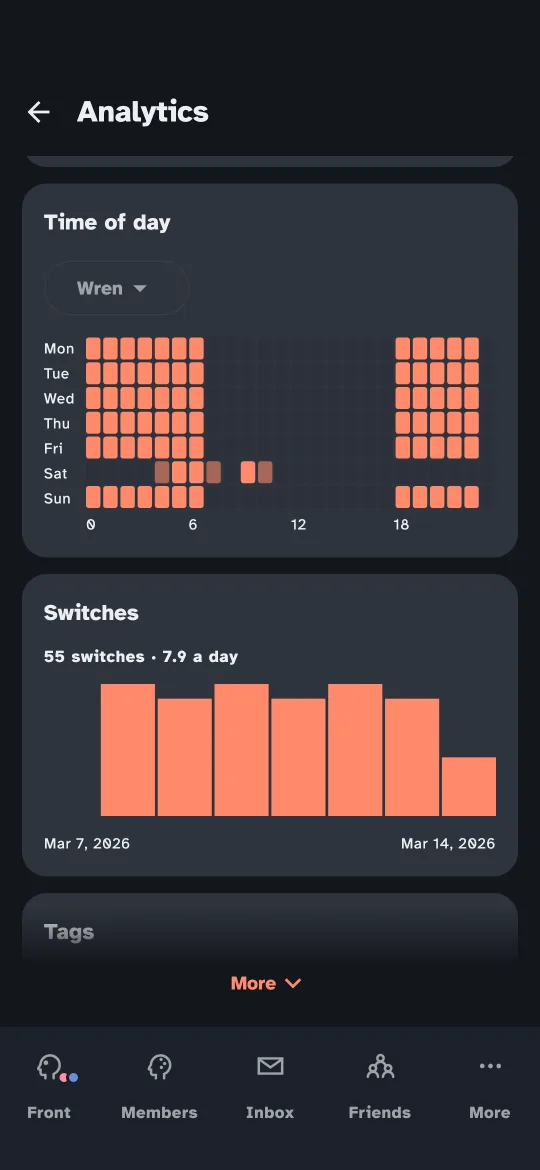
- Time of day: when fronting happens, by weekday and hour. The stronger a square's colour, the more time, and the busiest weekday and hour are named. It shows the whole system, or pick one member from the button above it.
- Switches: how many switches there were, how many a day on average, a chart of when they happened, and the busiest day, week or month.
- Tags: how much time carried each tag, when any did.
Turn off Include custom fronts to leave custom fronts out of every number.