 Headmates
Members and fields
Every headmate gets a member of their own: a name, and whatever else they want to share with the rest of the system.
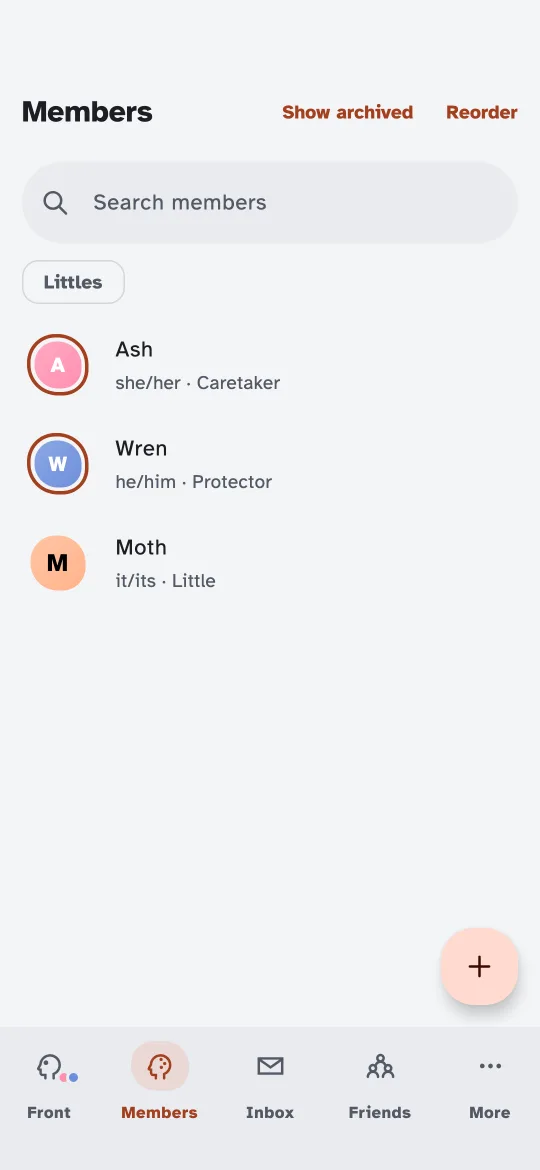
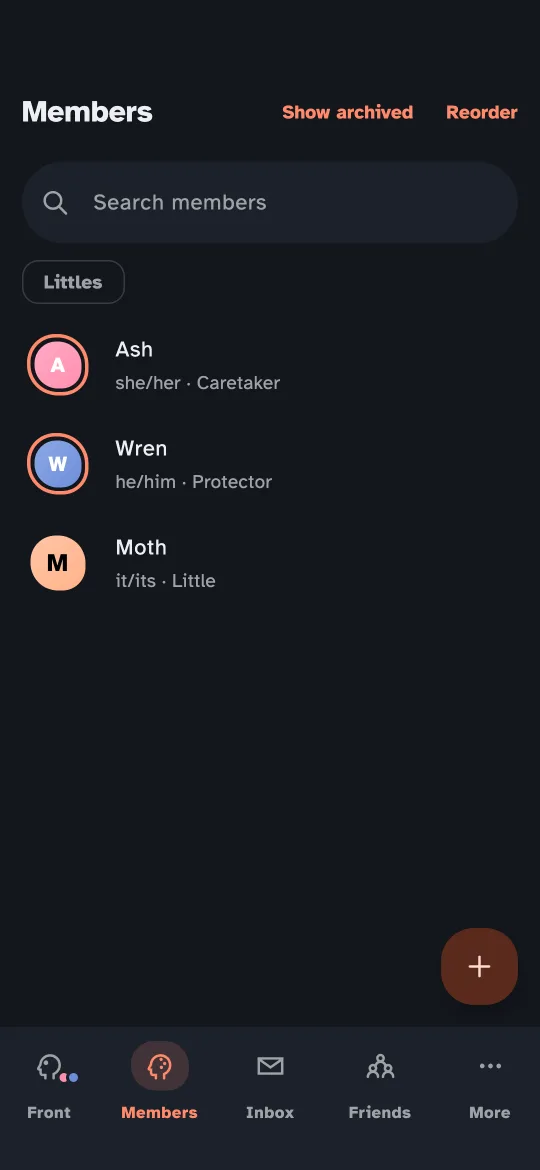
Adding and editing a member
Tap + on the Members tab to add someone. Everything but the name is optional:
- a display name, shown instead of the name everywhere in the app,
- pronouns and a role,
- a colour, from the palette or as a hex code. Their messages, their place on the Front tab and their notifications all wear it,
- a picture,
- a description, with simple formatting:
**bold**,*italic*,# heading,- listand> quote.
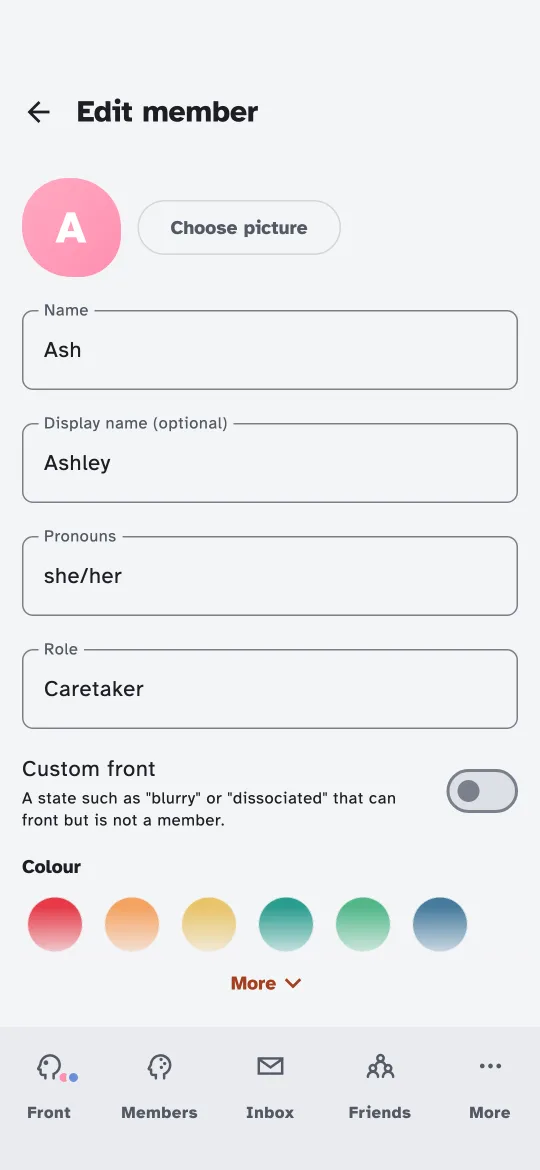
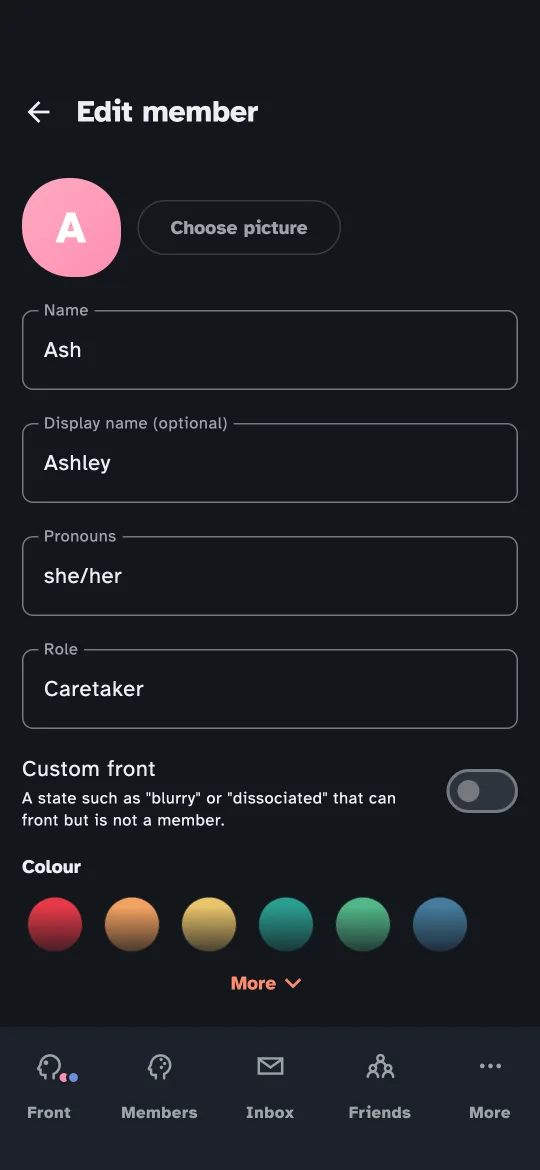
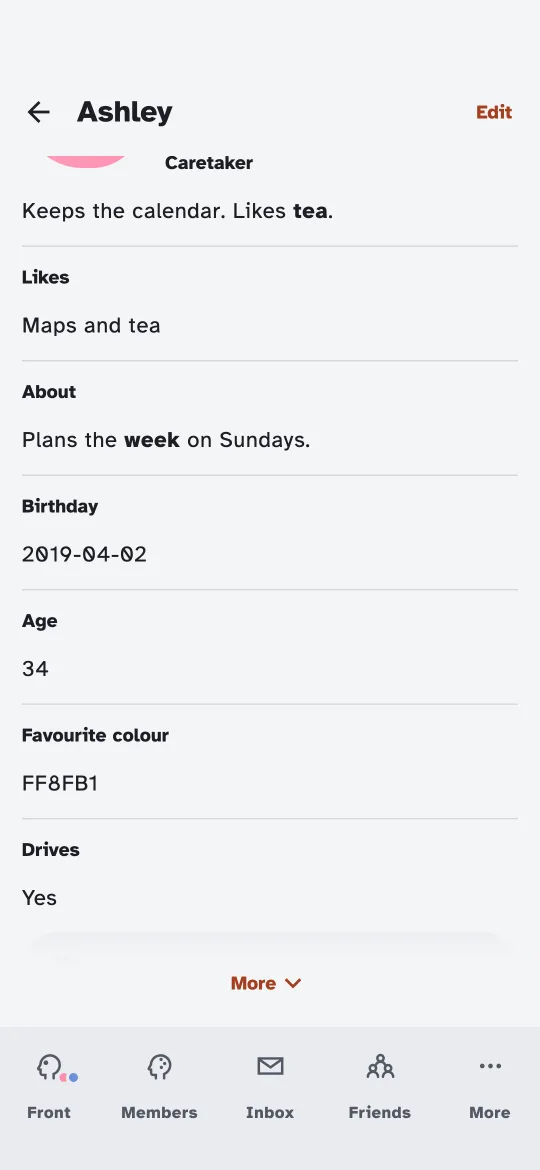
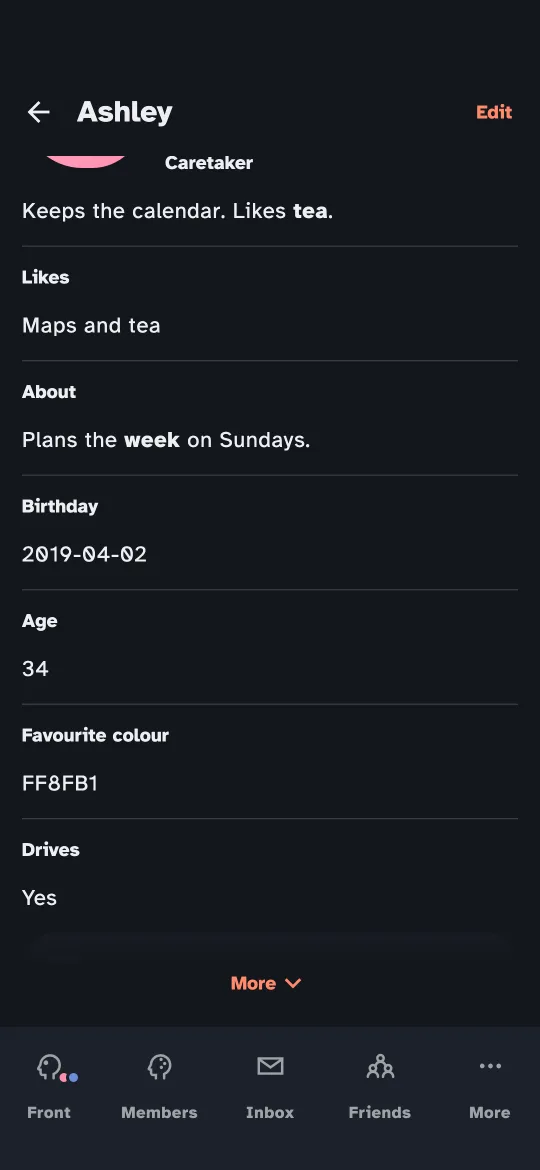
A member's page shows all of it, along with their groups and custom fields, and the sections for their inbox, who can see them, and their locks.
Custom fronts
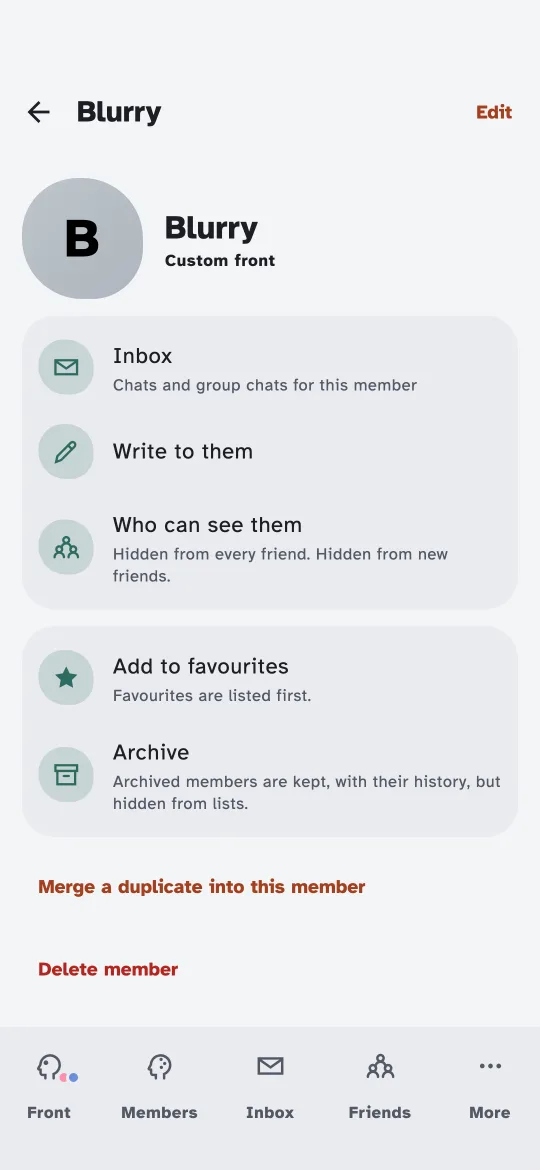
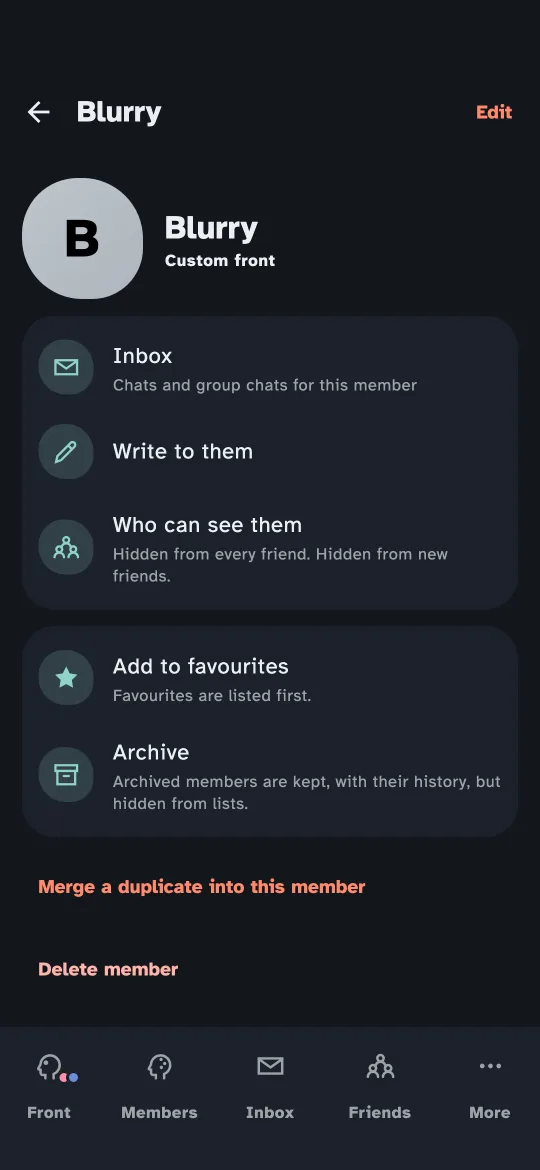
Turn on Custom front for a state such as "blurry" or "dissociated" that can front but isn't a member. Custom fronts can be marked as fronting like anyone else, but they have no inbox and can't write messages.
Finding, ordering and grouping
- Search members finds members by name, pronouns or role.
- Tap a group's chip above the list to show only that group.
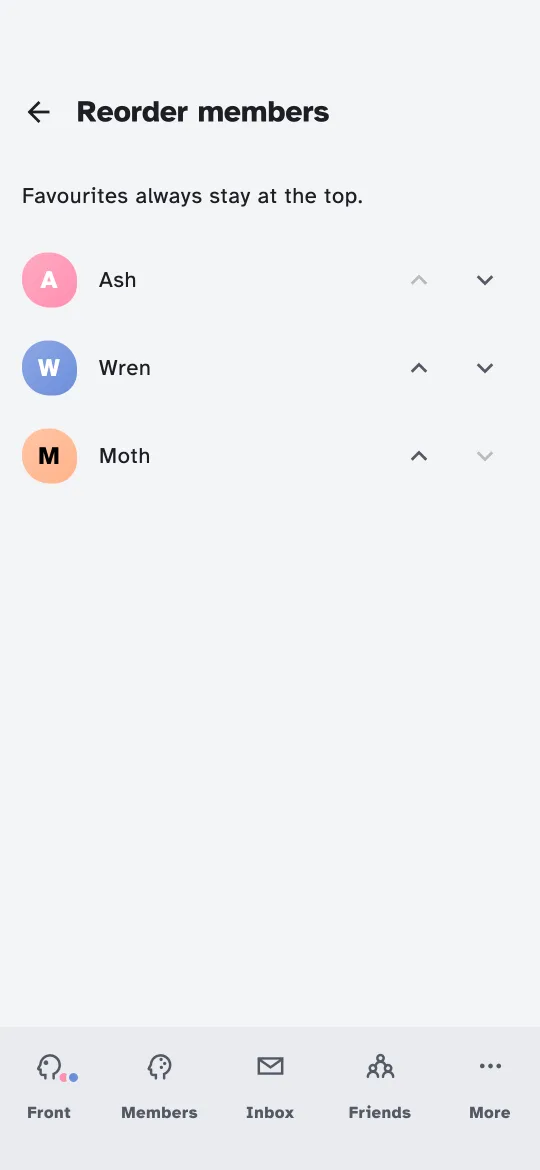
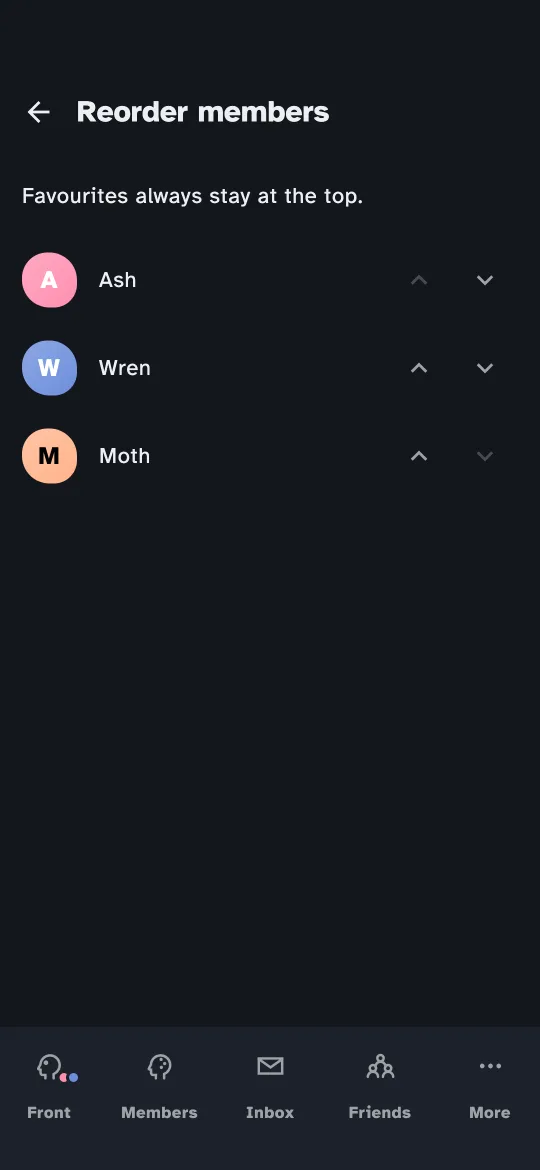
- Favourites always stay at the top. Reorder puts everyone else in the order you like.
- Archive hides a member from lists while keeping their history; Show archived brings them back into view, and their page offers Bring back from the archive.
Merge a duplicate into this member moves the duplicate's history, groups and field values into this member, fills in anything this member left blank, then removes the duplicate. Delete member deletes them and their front history; to keep the history, merge instead.
Custom fields
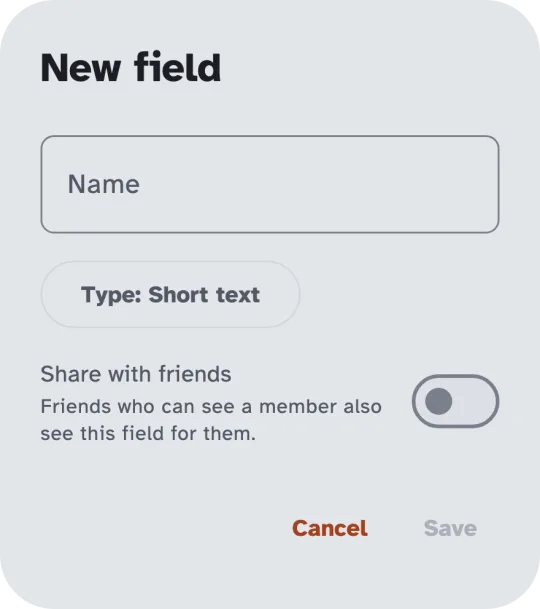
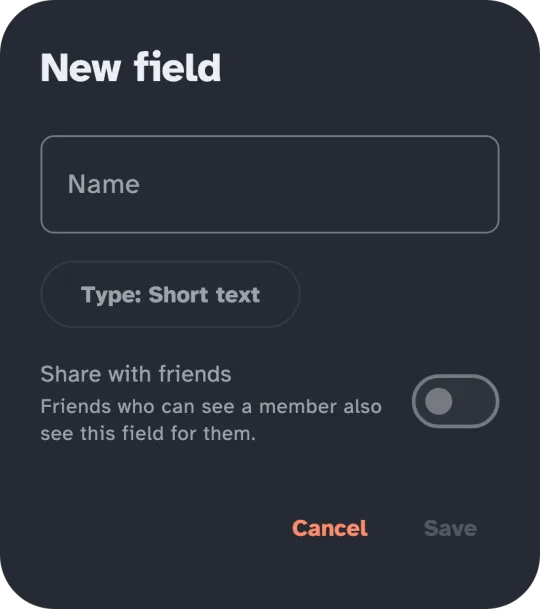
More → Custom fields adds fields every member can fill in: short text, long text with formatting, a date, a number, a colour, or a yes/no. Turn on Share with friends for a field that friends who can see a member should see too. Tapping a field changes it, or deletes it with its values.
Groups
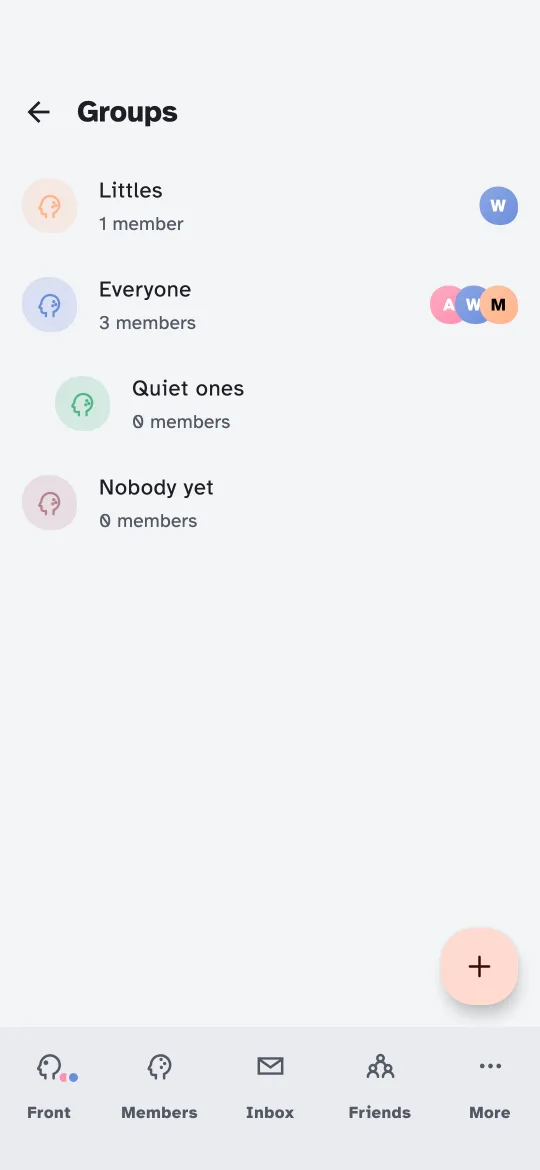
More → Groups gathers members who belong together, like a subsystem or the littles. A group has a name, a description and a colour, and can sit Inside another group. Choose members sets who is in it.
Each member's own privacy (a PIN, hiding until fronting, hiding their name, quiet hours) is in Locks and PINs.