 Headmates
Inbox and chats
Every member has an inbox of their own, and inboxes never mix: what one member is sent is shown only in their inbox.
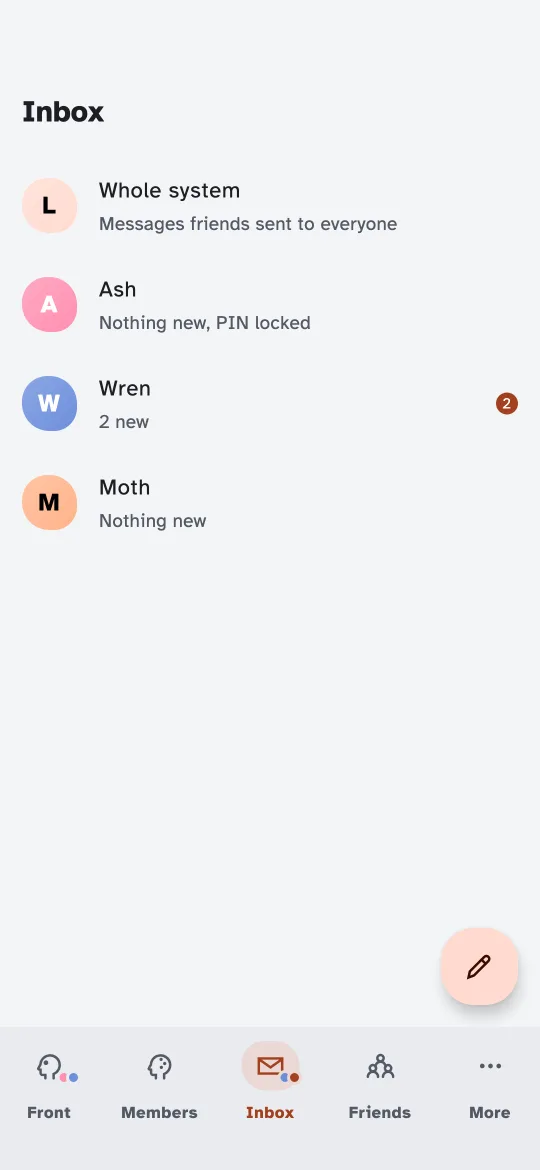
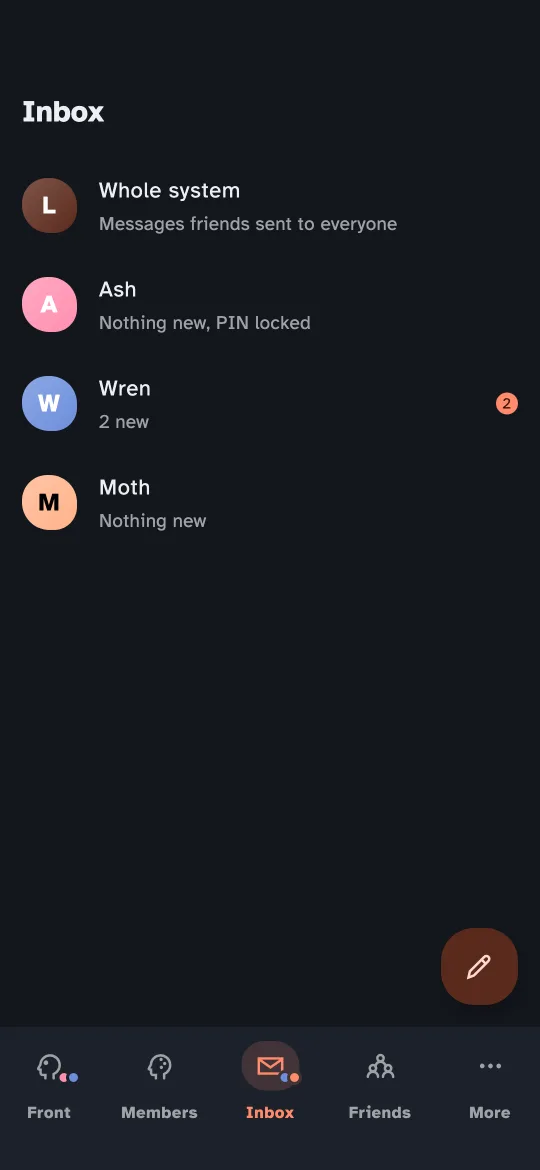
The Inbox tab lists Whole system (notices friends send to all of you) and then each member, with how many new messages are waiting. A member whose inbox has a PIN shows PIN locked; a member who hides their name doesn't show whether anything new is waiting.
A member's inbox
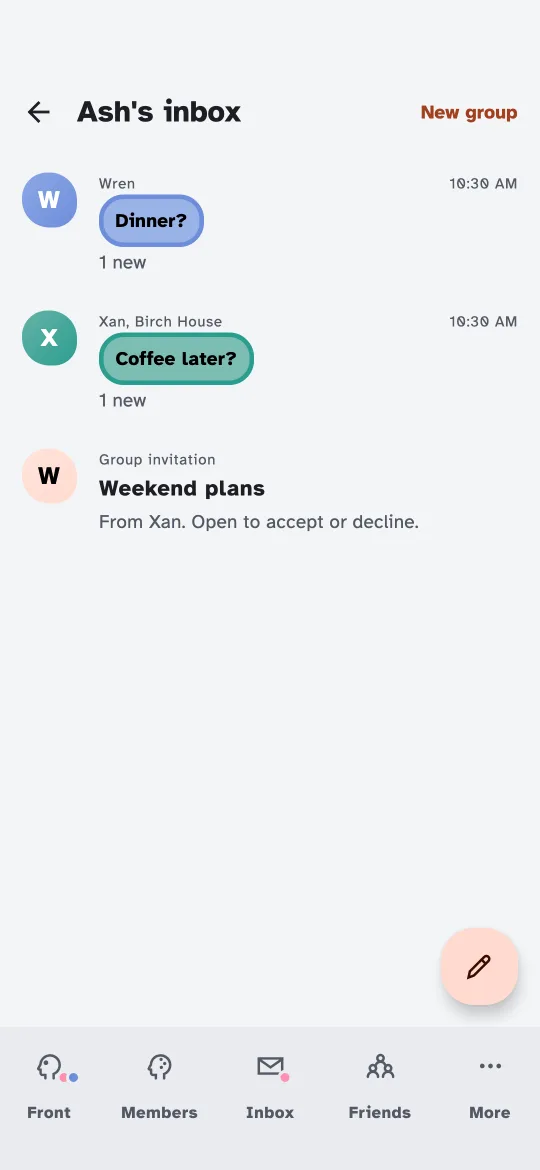
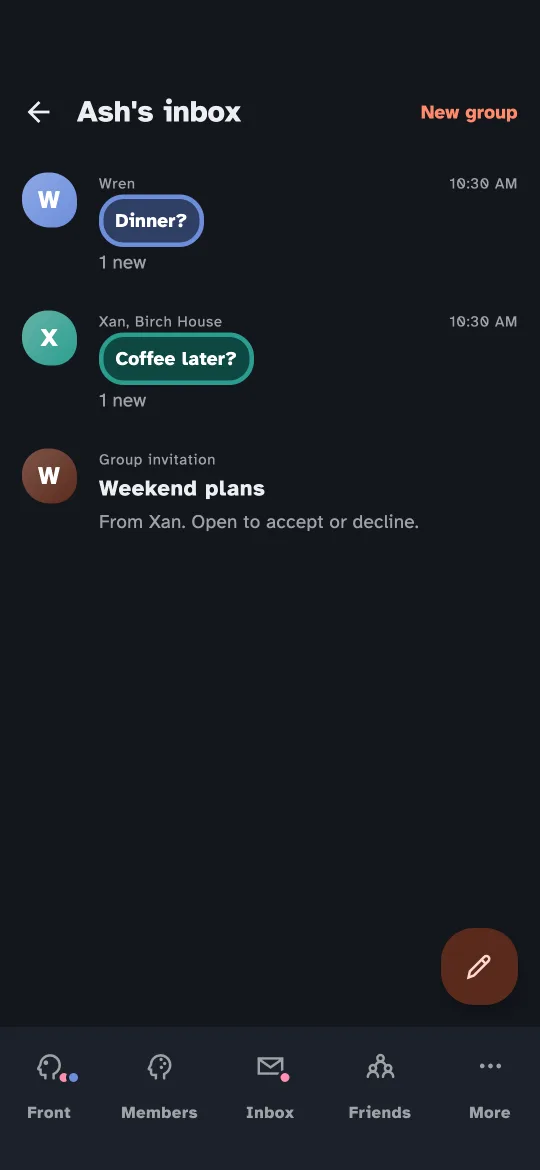
A member's inbox holds every conversation they're in: chats with other members of your system, chats with friends' members, and group chats. Each conversation shows its newest message in the writer's colour.
Conversations that need a decision are kept apart:
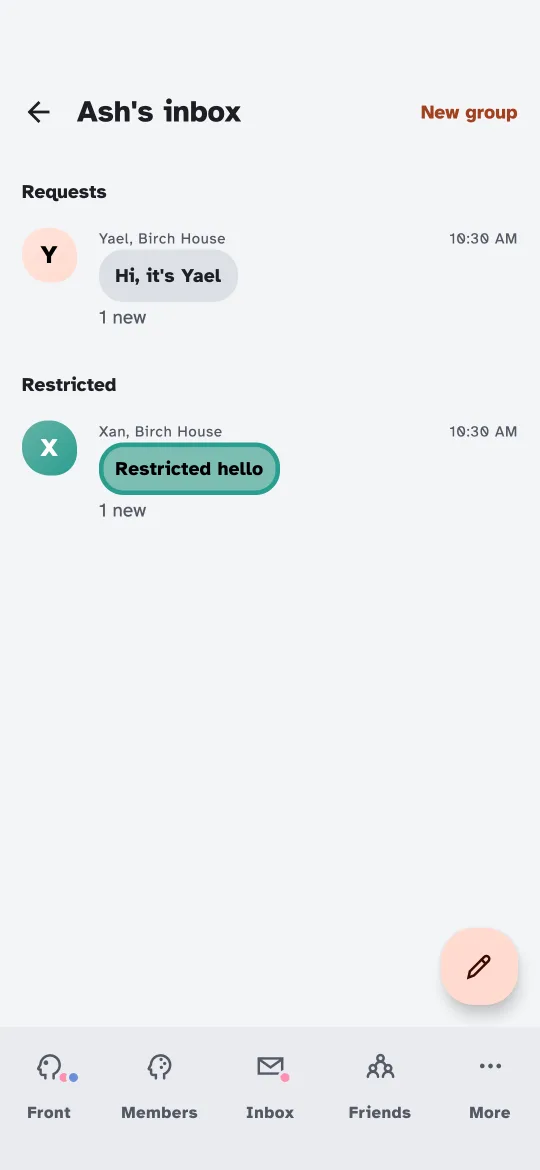
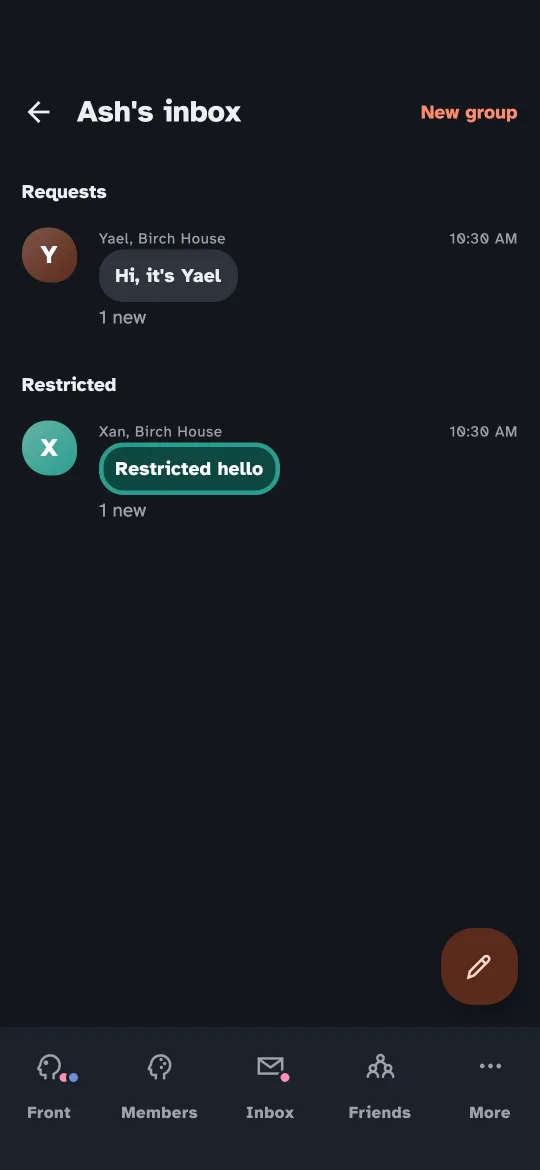
- Requests: a first message from a friend's member who can't see this member. They won't see that it was read unless it's accepted.
- Restricted: conversations this member restricted. No notifications, and no "seen".
- Ignored: conversations this member chose to ignore.
Writing a message
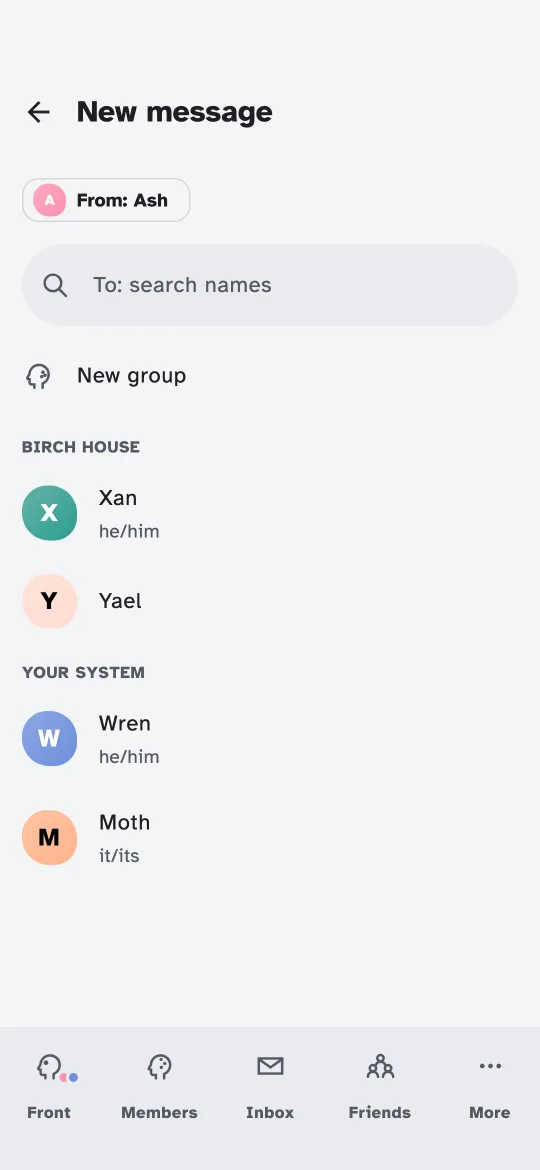
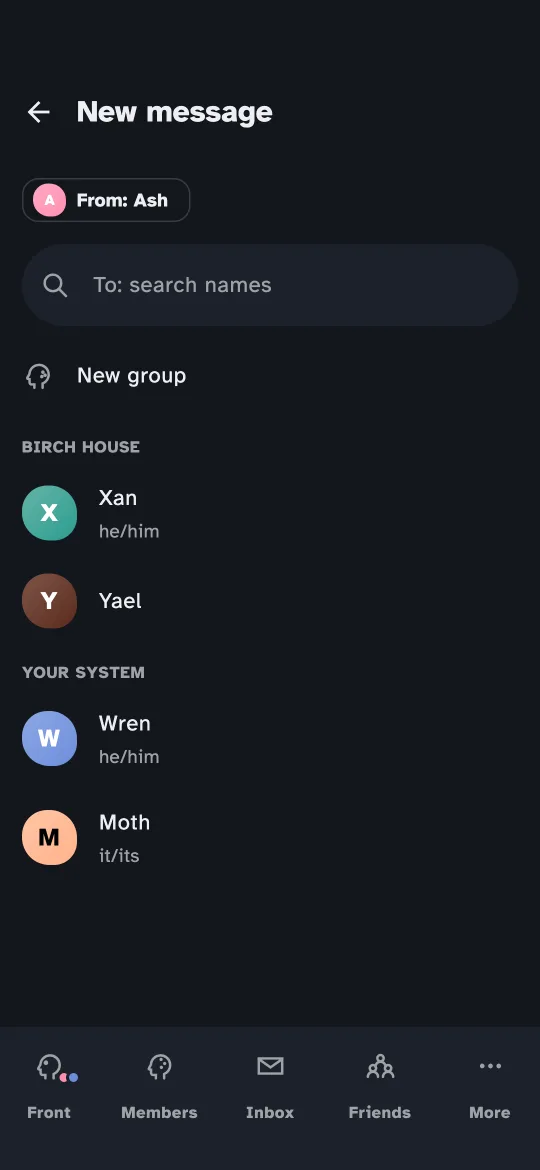
The pencil button starts a new message. Choose who is writing (From), then who it's for: one of your members, or one of a friend's members, listed under their system. New group starts a group chat instead.
Members can write to each other inside the system too: on a member's page, Write to them.
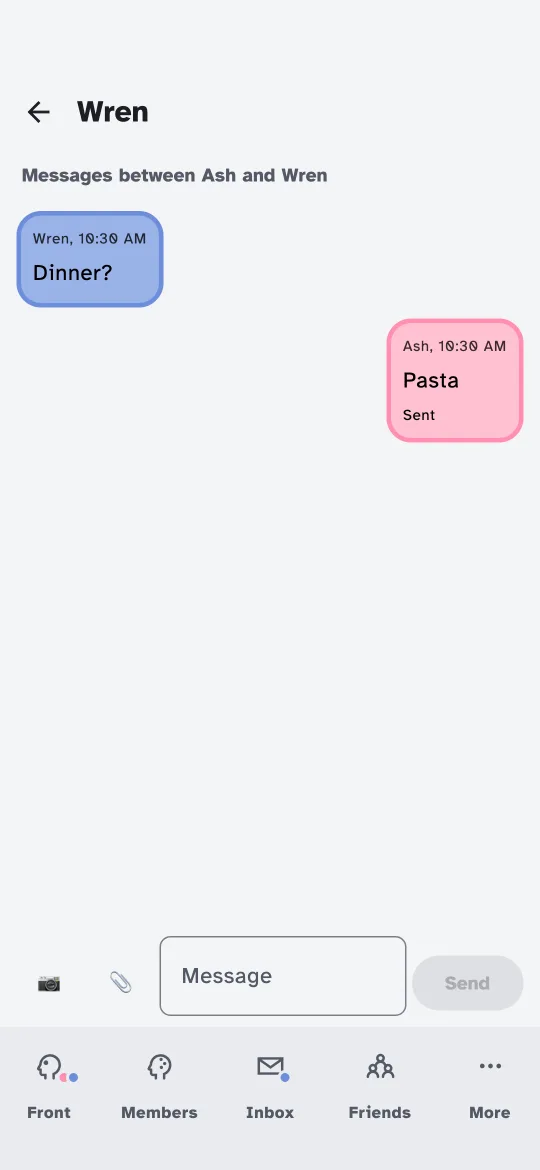
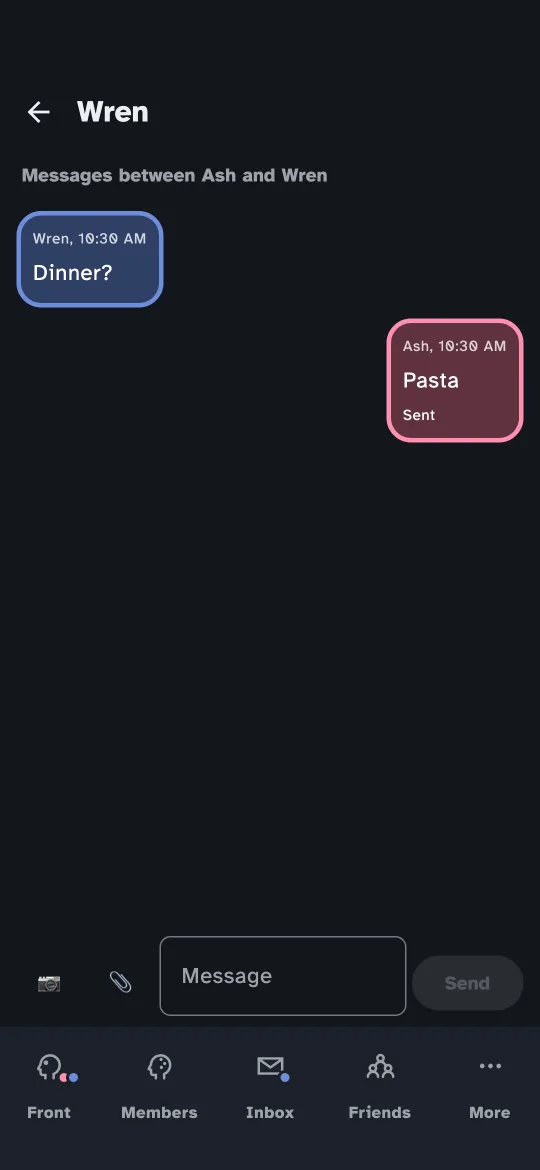
Inside a conversation
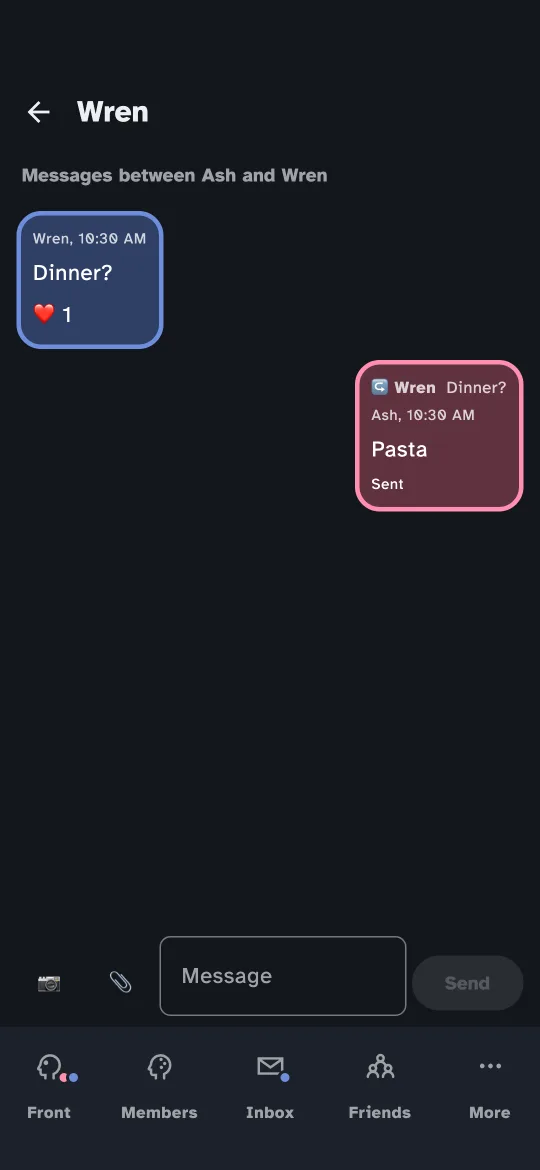
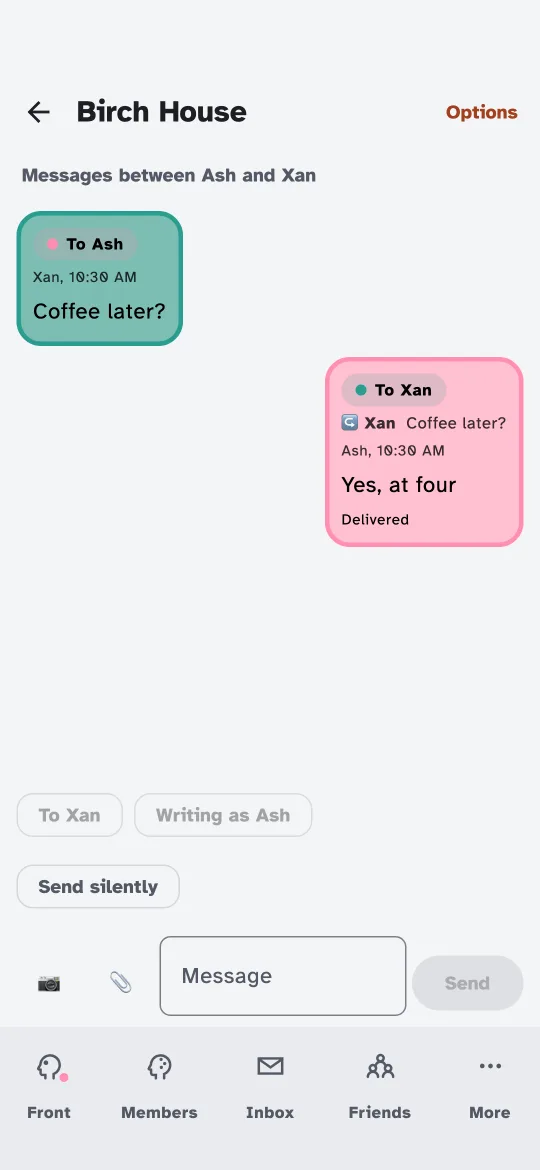
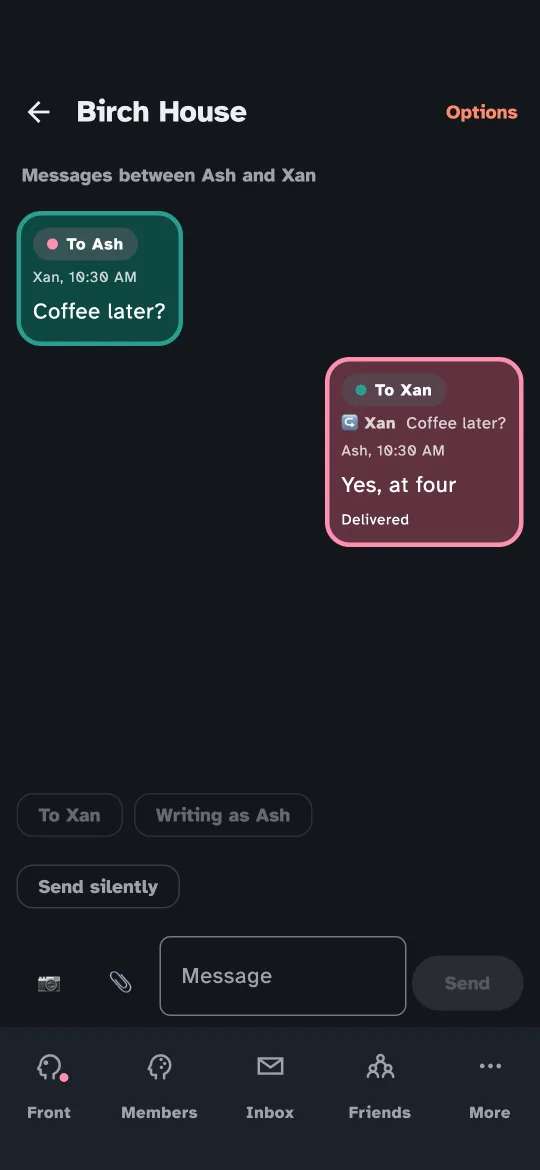
Tap a message to react to it, reply to it, or delete it. A reply quotes the message it answers; tap the quote to jump to it.
Deleting your own message in a chat between your members removes it for both of you (Delete for both). Any other message is deleted only from this phone: Delete for me, or Delete from this device in a conversation with a friend's member.
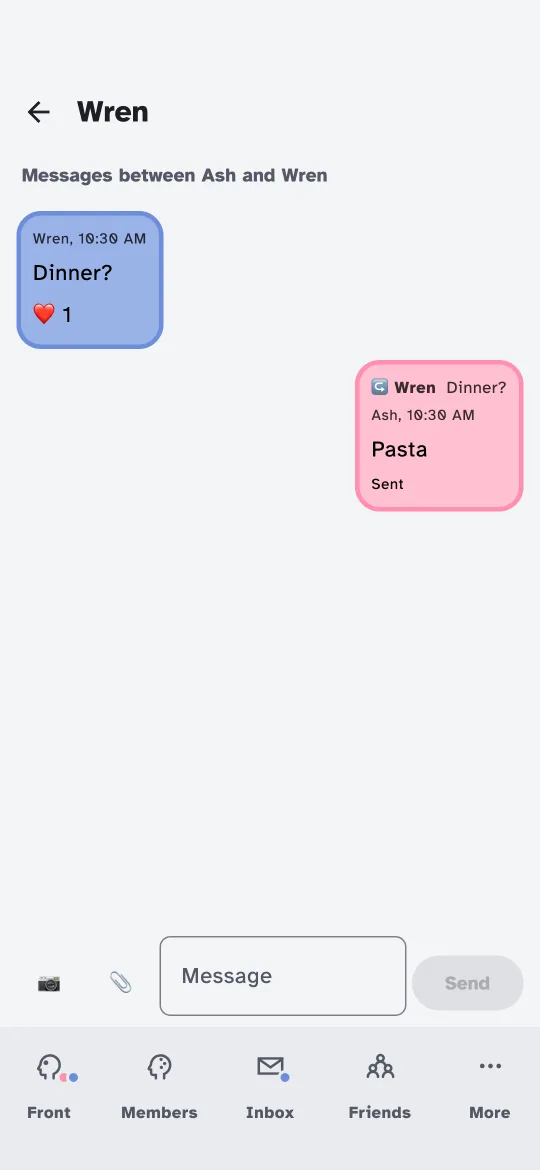
- Messages can use simple formatting:
**bold**,*italic*, links,# heading,- list,- [ ] checklistand> quote. - 📷 adds a photo or video, 📎 adds any file. Pictures open full screen to zoom in, videos play in the chat, and Save copies a file out of the app: a picture into the phone's Pictures folder, a video into Movies, any other file into Download. It asks first, because the saved copy isn't encrypted. A file you haven't got yet shows Download; one that has expired says No longer available.
- Send silently delivers a message without a notification. It still counts as unread.
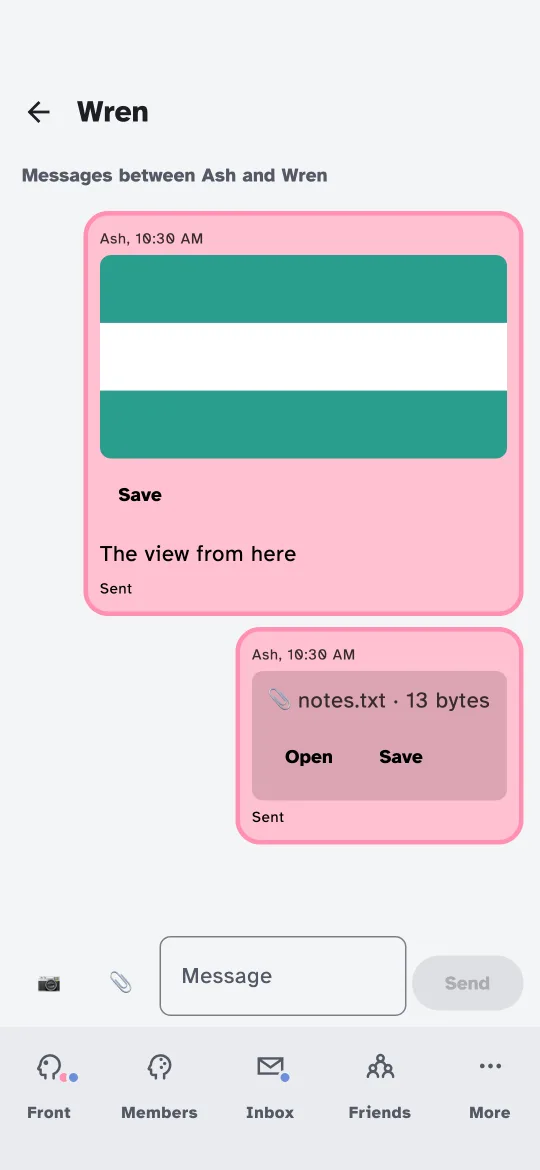
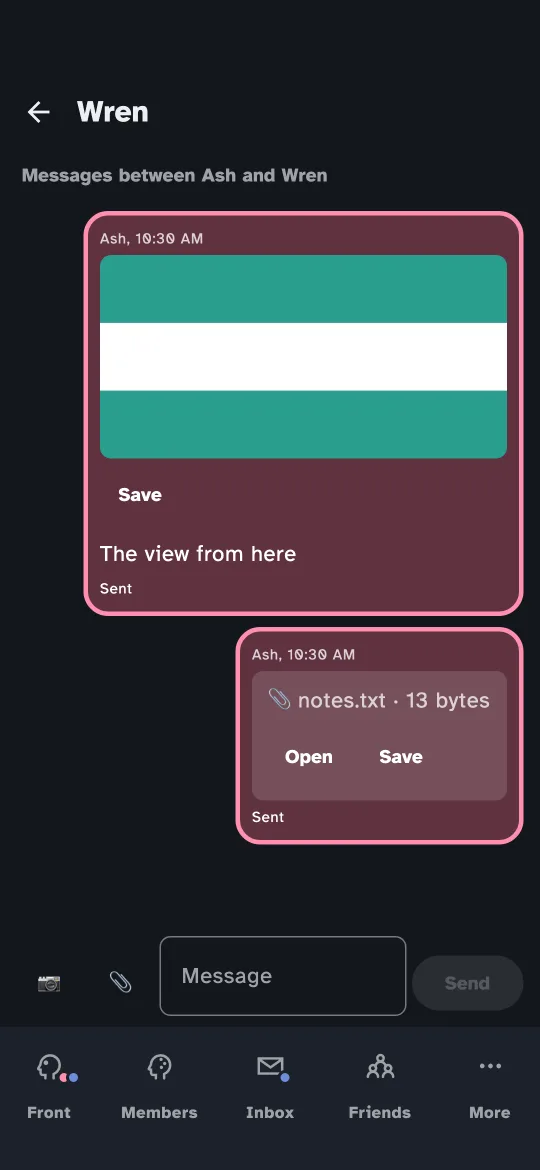
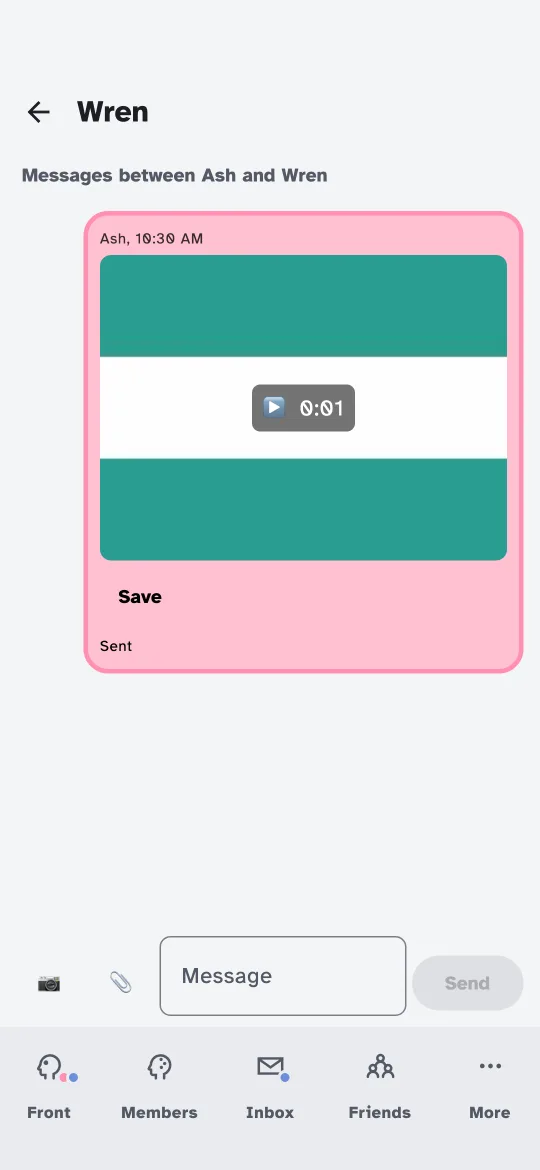
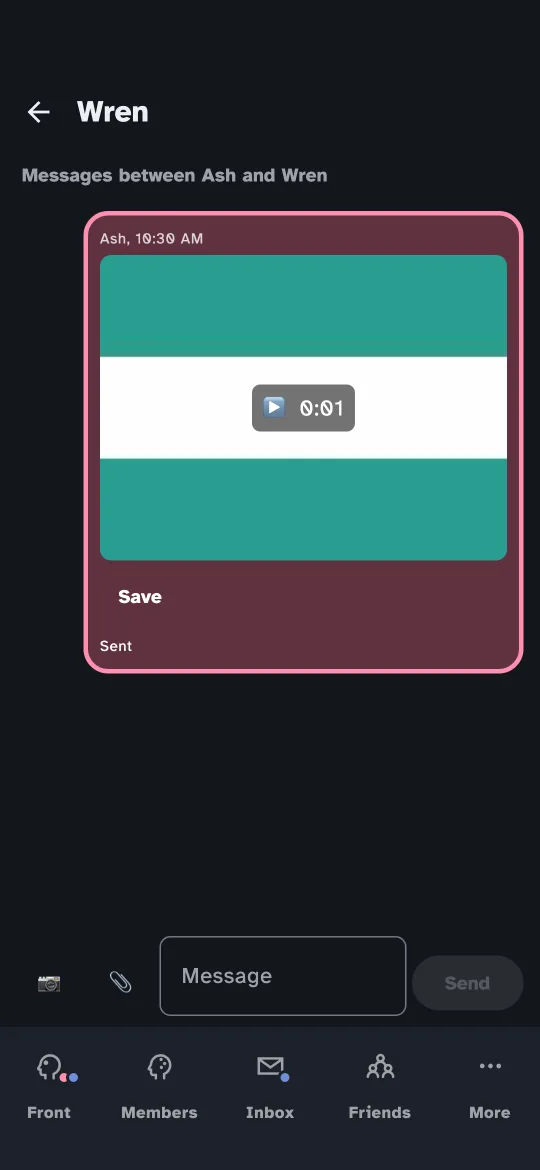
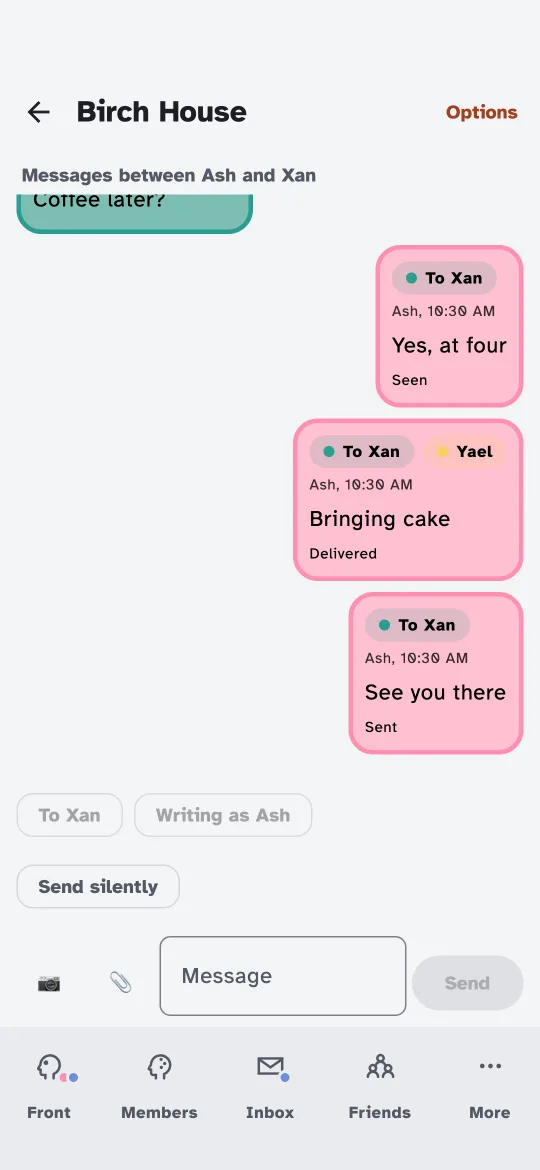
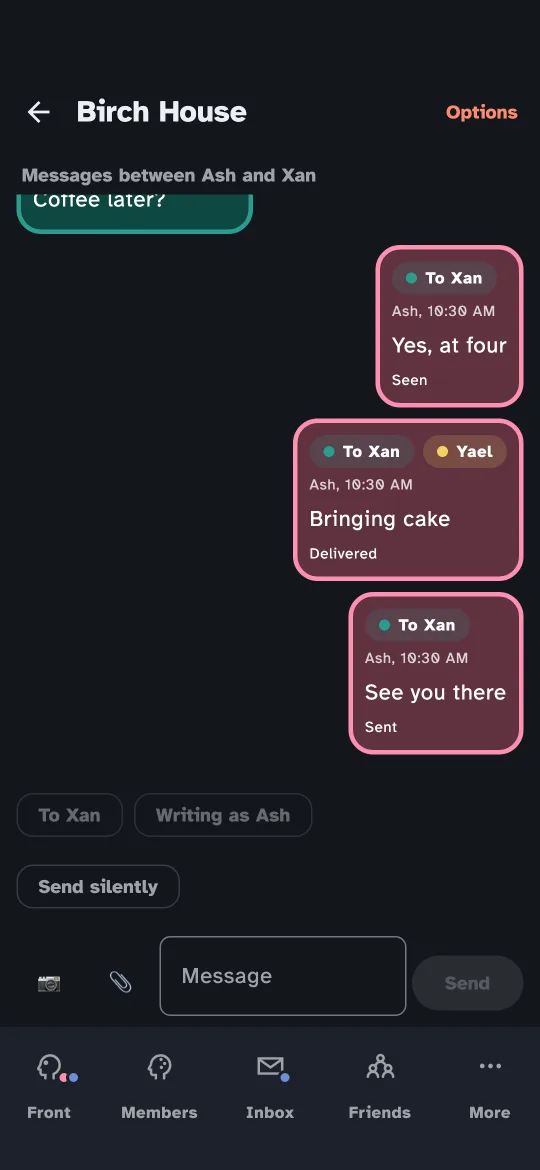
Under each message you sent, its state: Waiting to send (the relay can't be reached right now; it goes when it can), Sent, Delivered or Seen (only from friends who send "seen" receipts). If your other phone wrote something and never sent it, this phone offers Not delivered — send from this device.
Writing to a friend's members
A conversation is with one of their members at a time. Your member's inbox names them on the row ("Xan, Birch House"), and To names them again over the message box. To write to another of their members, open their conversation from your member's inbox, or start a new message with the pencil. What you send is for that one member, and lands in their own inbox.
A file from a friend's member waits to be fetched (Download); a picture or a video comes by itself. Both open from the message, and Save copies them out of the app.
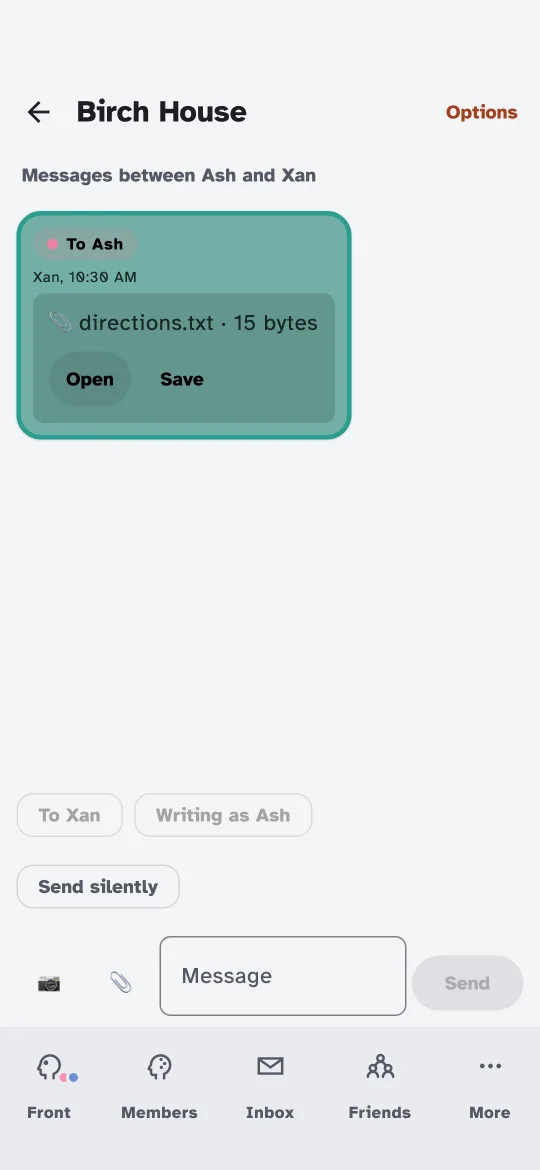
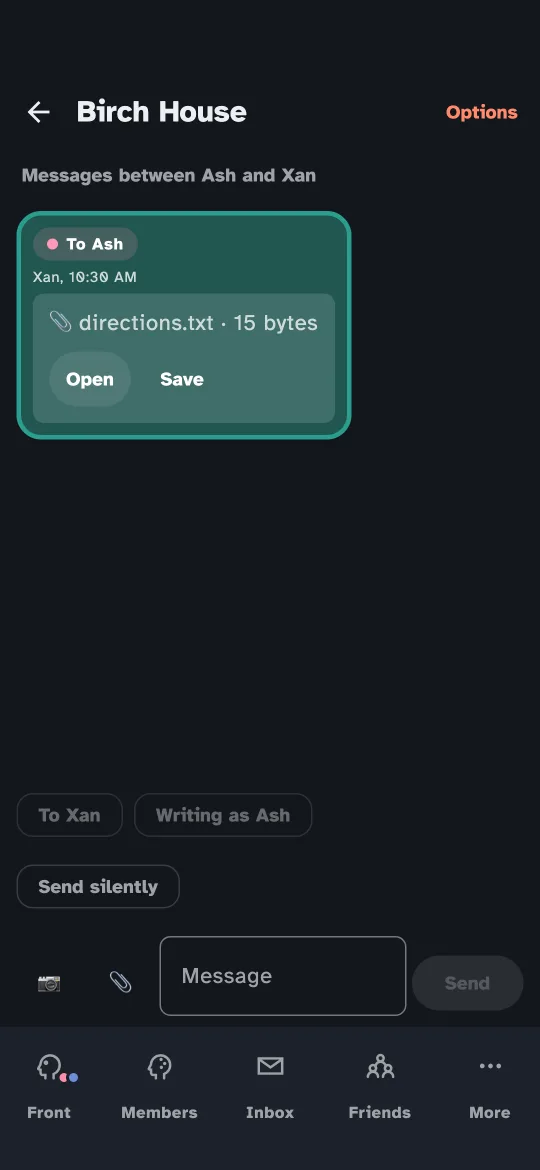
If one of them can't see your member yet, sending makes your member visible to them, and the app asks first. A conversation becomes read-only when the friendship has ended, when their member stops sharing themselves with you, or when your member can no longer see them; the conversation says which.
Options for a conversation with a friend's member
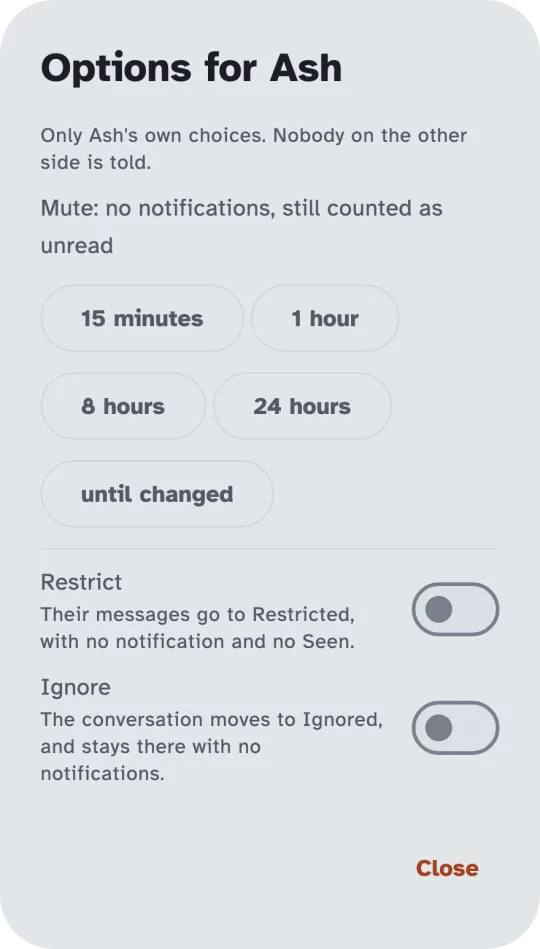
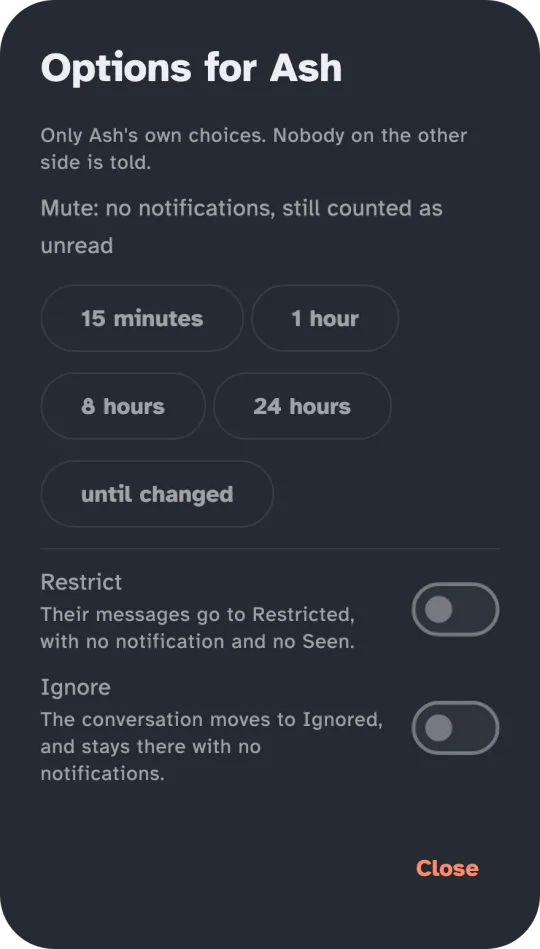
In a conversation with one of a friend's members, Options holds the writer's own choices. Nobody on the other side is told.
- Mute for 15 minutes, an hour, 8 hours, 24 hours, or until changed: no notifications, still counted as unread.
- Restrict: their messages go to Restricted, with no notification and no "seen".
- Ignore: the conversation moves to Ignored and stays there with no notifications.
Locked inboxes are explained in Locks and PINs.