 Headmates
Notifications and connection
Headmates speaks up when something lands for one of your members: a message, a message request, a notice to the whole system, an invitation to a group chat. Tapping a notification opens exactly where it happened — the member's inbox, the conversation, the group.
What makes a sound, and what stays quiet
- Tell me when their front changes, on a friend's page, asks for a notification whenever their front changes, if they share it with you. See Sharing and privacy.
- Send silently delivers a message without a notification on the other side. It still counts as unread. See Inbox and chats.
- Mute, Restrict and Ignore, in a conversation's Options, stop its notifications; messages still arrive. See Inbox and chats.
- A group chat can be muted for a while, or with Mute except when tagged. See Group chats.
- Muting a friend's member's notices to your whole system is put to your system's vote. Muted notices still arrive, just without a notification. See Friends and pairing.
- A member's own settings hold back or hide their notifications: Quiet hours, Hide until fronting, hiding their name, and a PIN, which keeps the content of their messages out of notifications. See Locks and PINs.
- If notifications are turned off for Headmates in the phone's settings, nothing makes a sound. The Connection screen says so; turn them back on in the phone's settings.
Kinds of notification on Android™
The phone's settings list Headmates' notifications in kinds, and each can be turned off there on its own:
- Friend messages: messages friends send to your system or to one of its members.
- Friends' front changes: shown quietly, with no sound or vibration.
- Backups: when a scheduled backup couldn't be saved.
The Connection screen
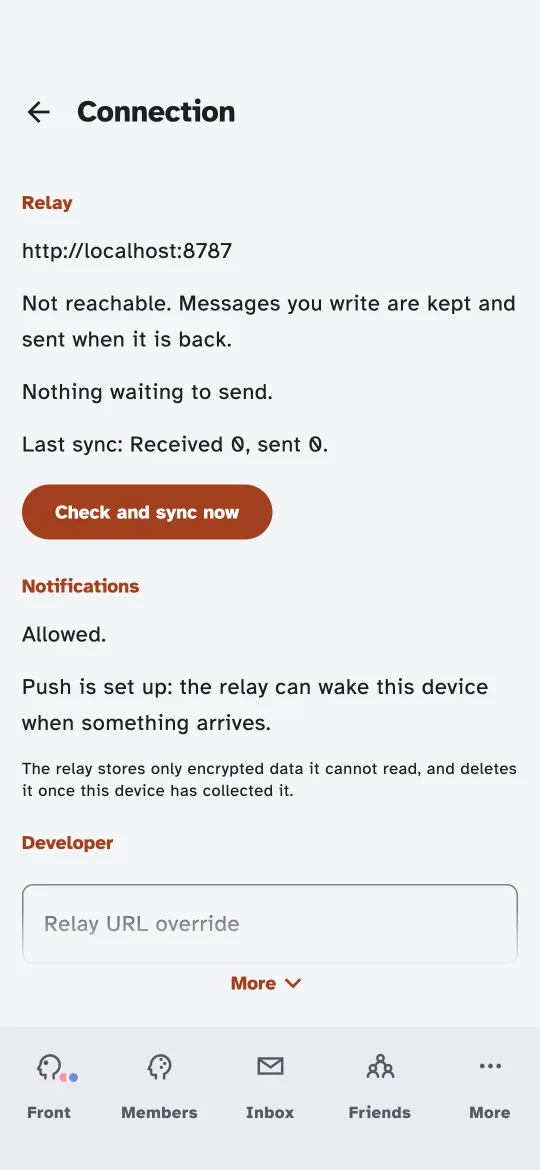
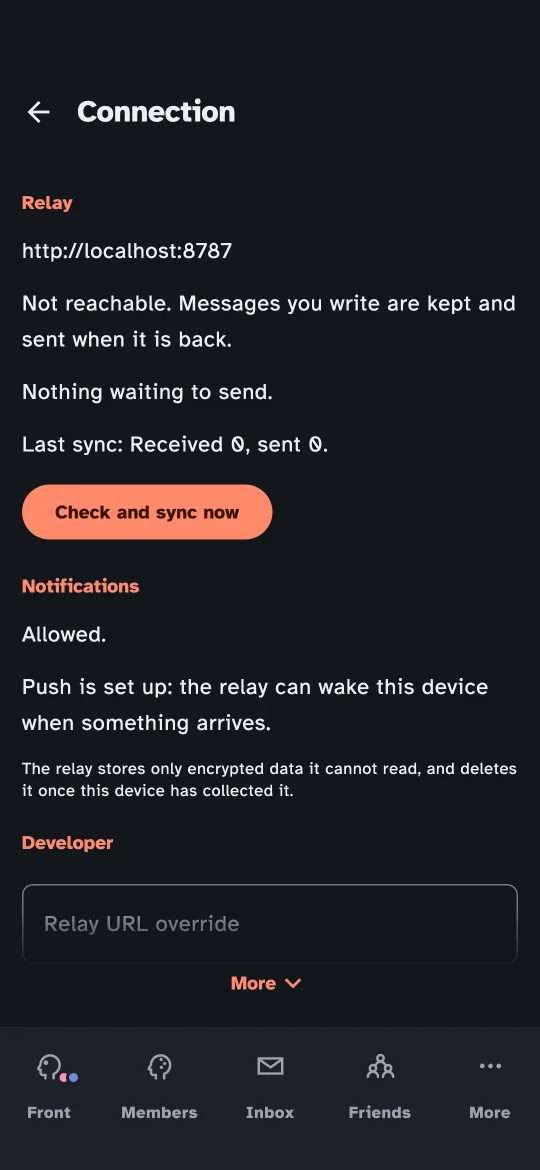
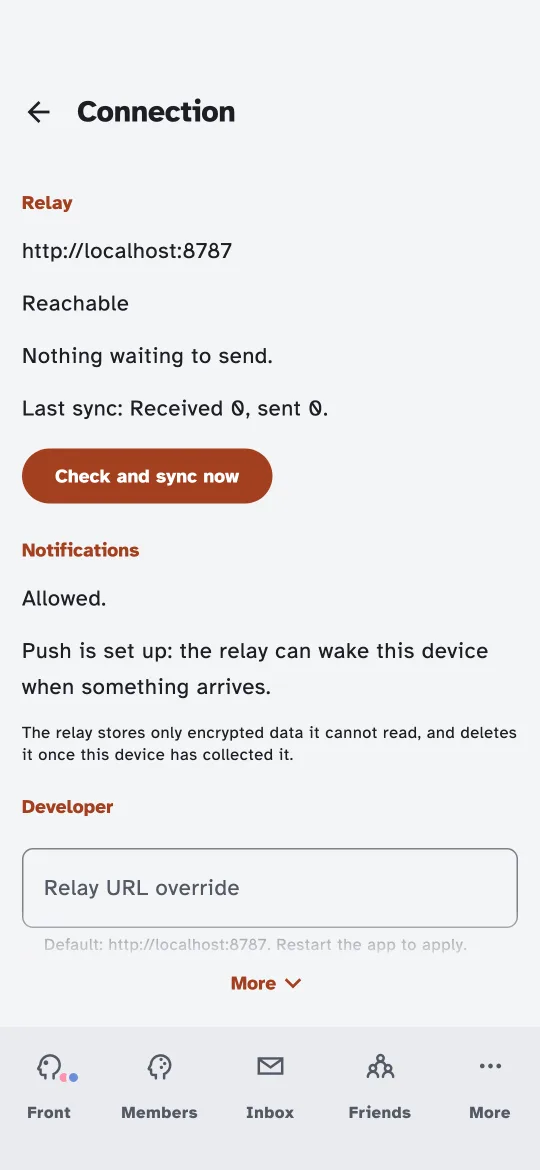
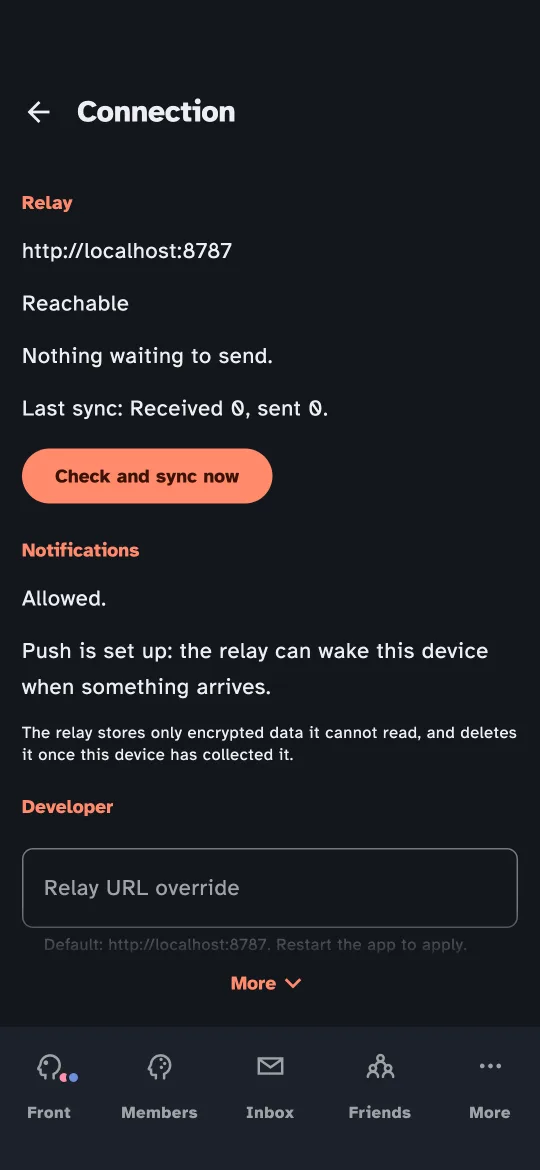
More → Connection and notifications is where to look when something isn't moving: whether the app can reach the relay, when the last sync was, what is waiting to be sent, and whether the phone allows notifications. Check and sync now checks for anything new straight away.
Everything working reads as one quiet line.
When the relay can't be reached — no signal, a captive wifi, the relay itself down — the app keeps working on the phone and says so here. Whatever is waiting goes out at the next sync.
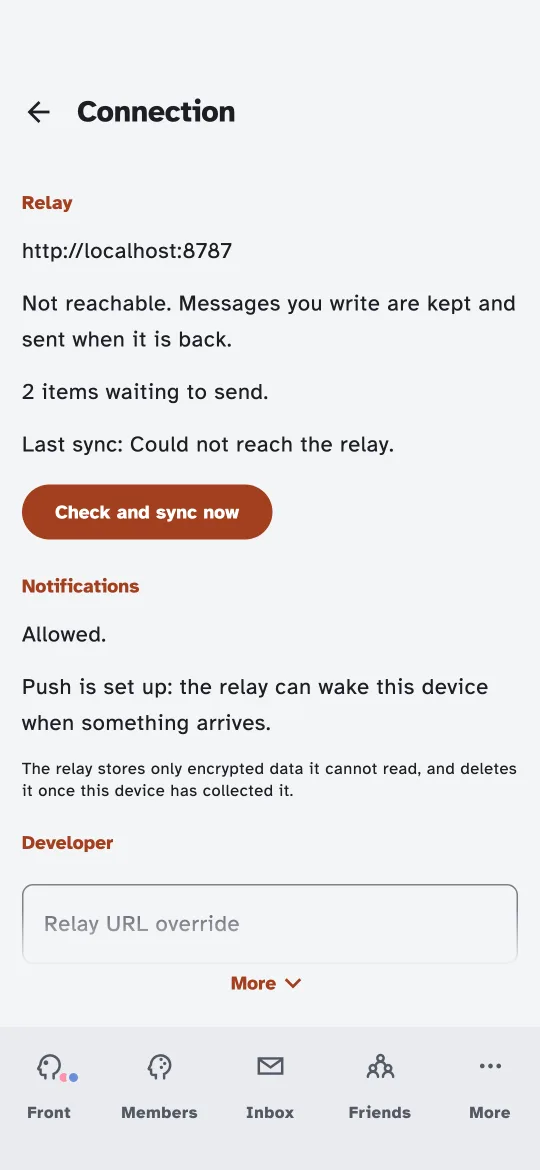
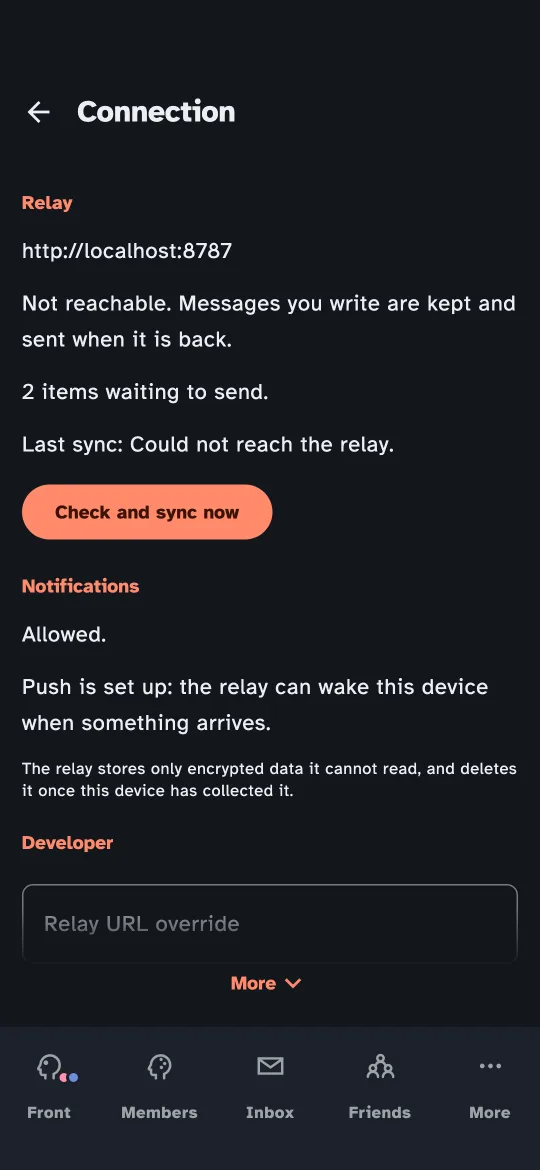
The relay stores only encrypted data it can't read, and deletes each message once your phone has collected it. The privacy policy says exactly what it keeps.
Updates
Headmates updates through Google Play, like your other apps; on iPhone it will update through the App Store. The app never downloads an update itself.
More → About Headmates shows the version and build this phone runs, with the terms of service and the privacy policy. What changed in each version is in the release notes.